How to Move Objects
Last updated 6 months ago
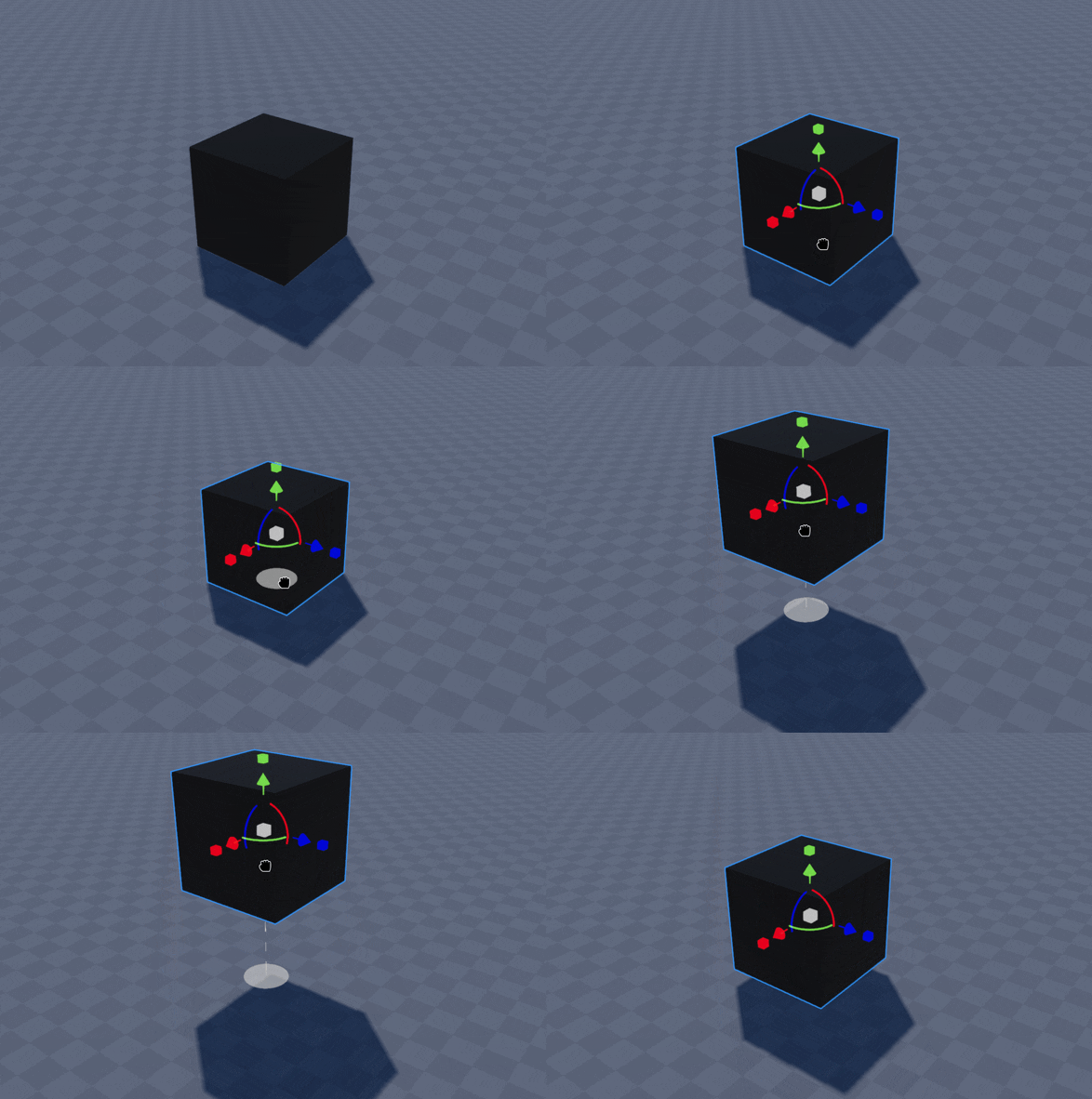
Move objects quickly along the X (red) and Z (blue) axis by selecting and holding the object with Left Click while dragging it around the World. This is the Simple Move feature
While using Simple Move, holding Shift allows you to move along the Y (green) axis, making objects easily float in the air.
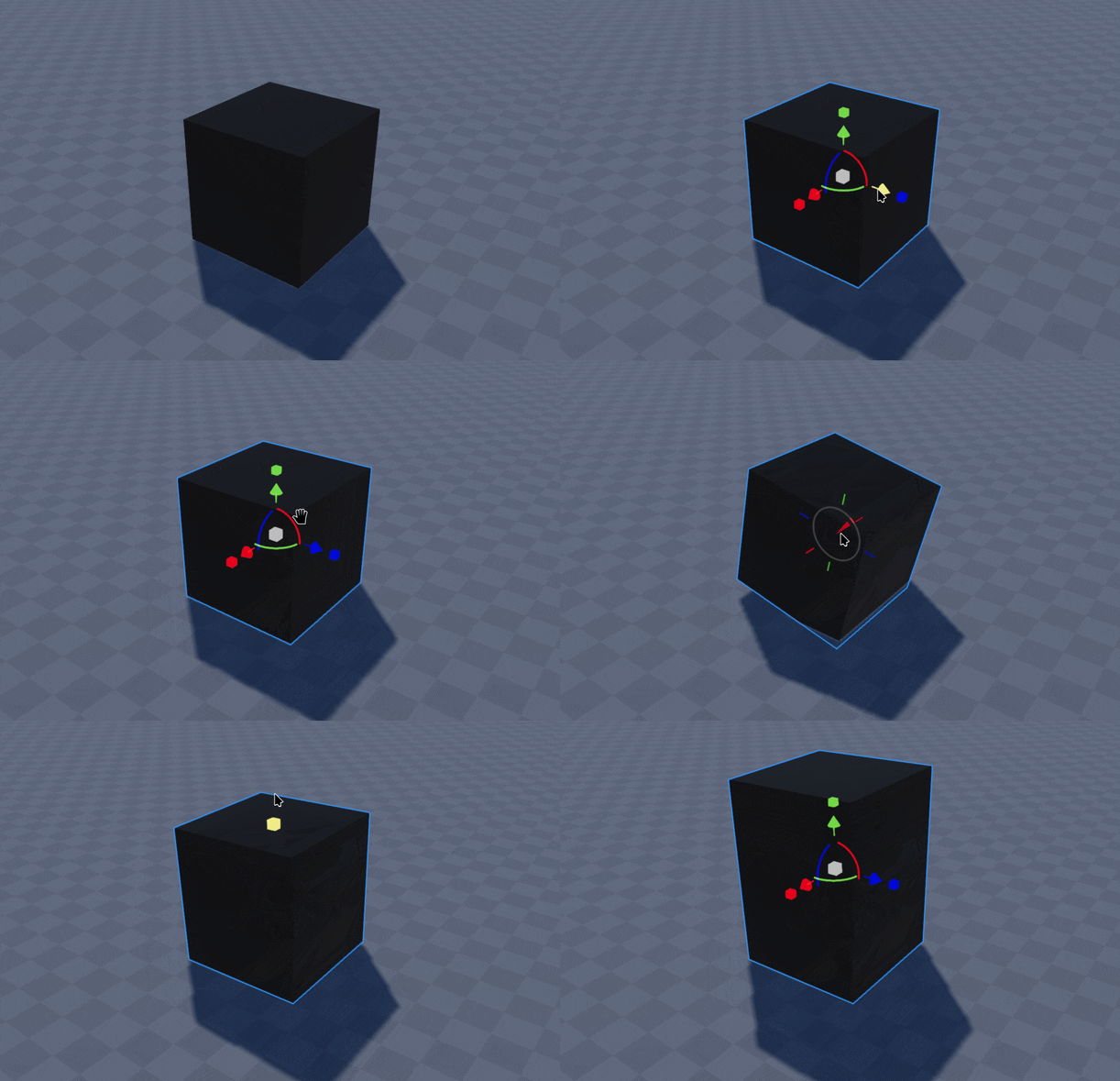
Alternatively use the Gizmo to individually control the transformation, rotation, and scale of an object using the red, green and blue handles.