How to Builder Bag
Last updated 6 months ago
The 🎒 Builder Bag stores any of assets so you can easily use them in any Nilo World.
To open it, select the 🎒 Builder Bag menu in the top left of the screen.
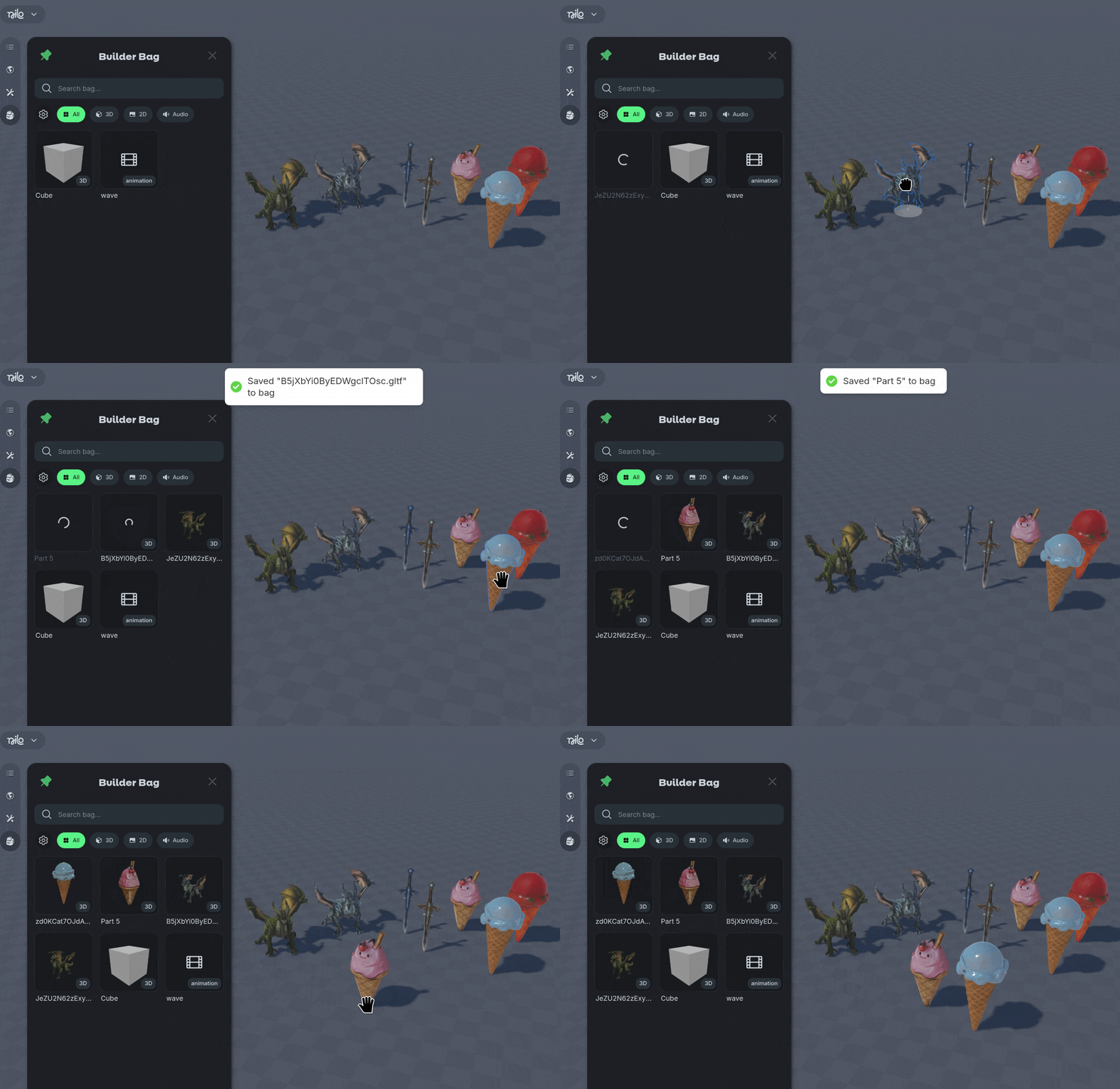
Drag assets into the Builder Bag to save them, or upload your own image or audio files to the 2D and Audio tabs.
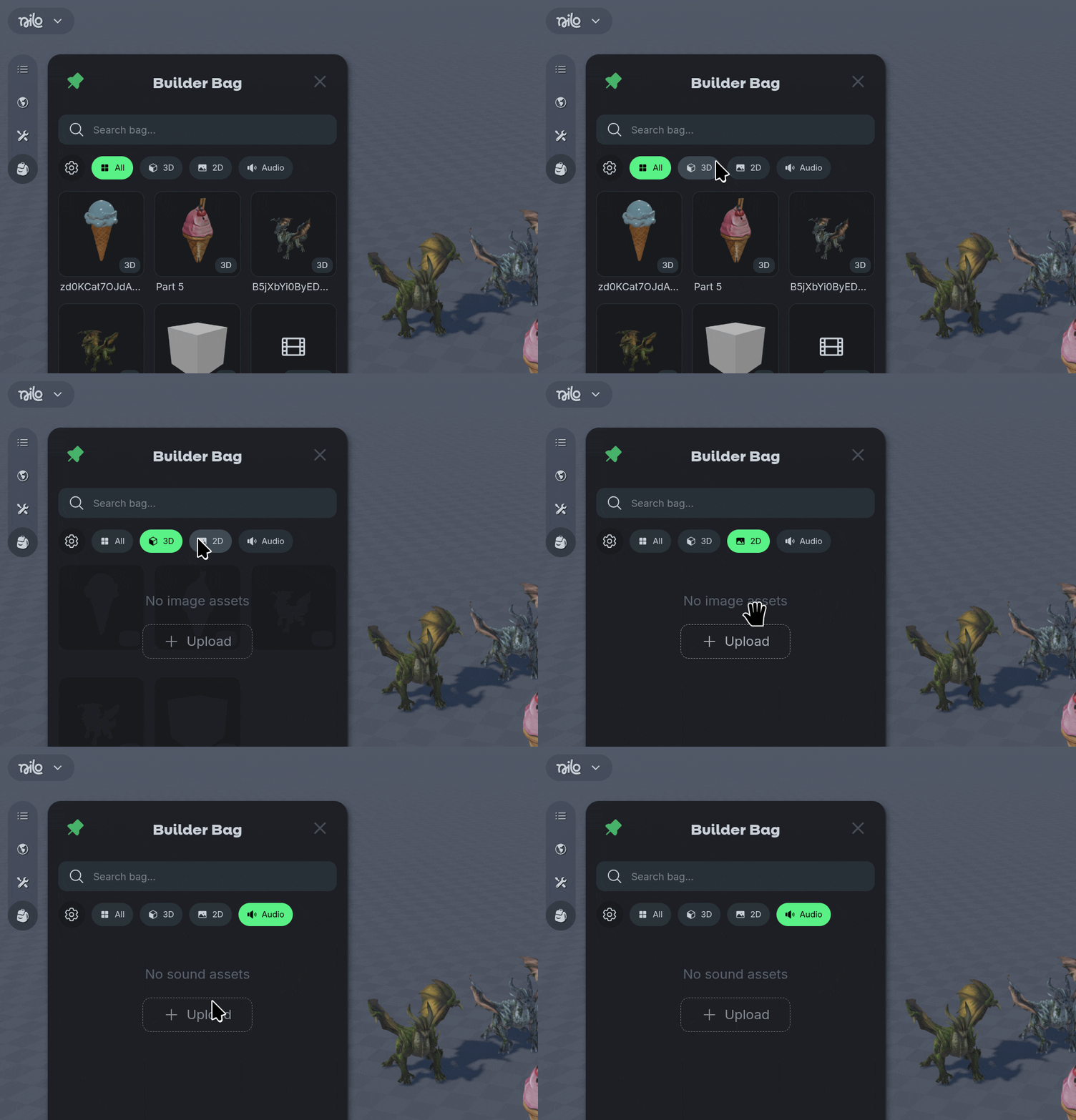
Use the ⚙️ Gear Icon or 🔍 Search options sort your assets
Right Click to see additional options to manage your assets, such as renaming assets, deleting, and duplicating.