Create Particle Systems
Last updated 2 months ago
Right Click an empty space in the world, then select Create Particles.
Select the 🔥 Particles icon to select the particle object, then open the Inspector panel and navigate to the Particle System section.
Adjust the settings of the particle object to suit your needs.
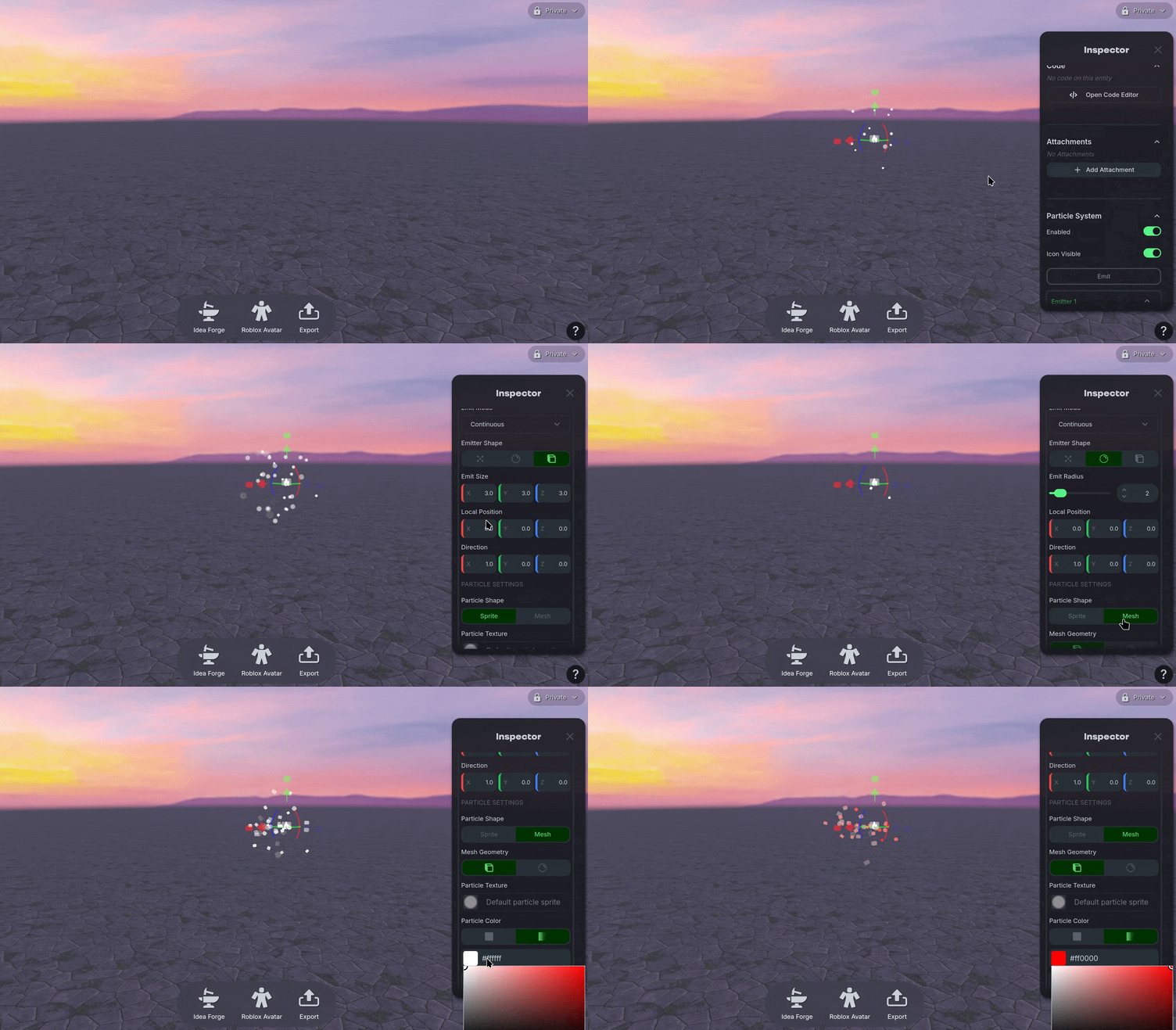
Particle System Overview
Emit Mode
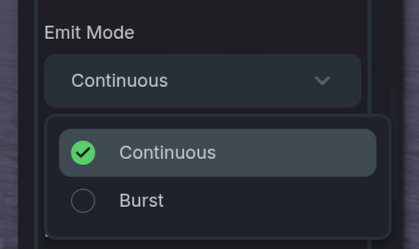
Emit Mode
Controls if the particle object creates the particles in bursts or continuously.
Emitter Shape & Direction
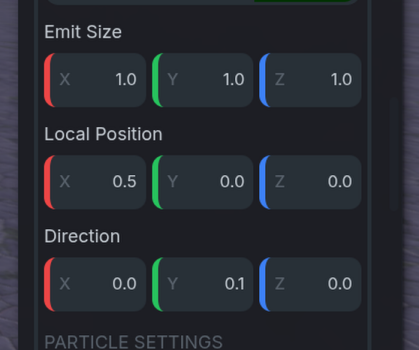
Emitter Shape & Direction
Controls the default shape of the emission zone where the particles will spawn from. There is a Pinpoint, Sphere, and Box emission shape option.
Based on the selected emission shape the size of the emission zone, it’s relative position in the particle object, and the direction that the particles spawn can be adjusted.
Particle Shape
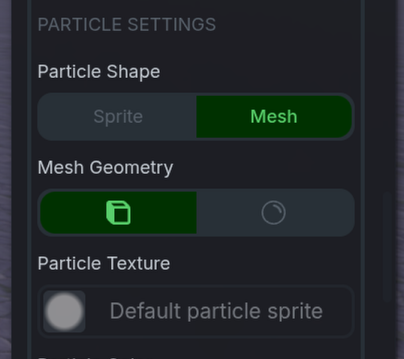
Particle Shape
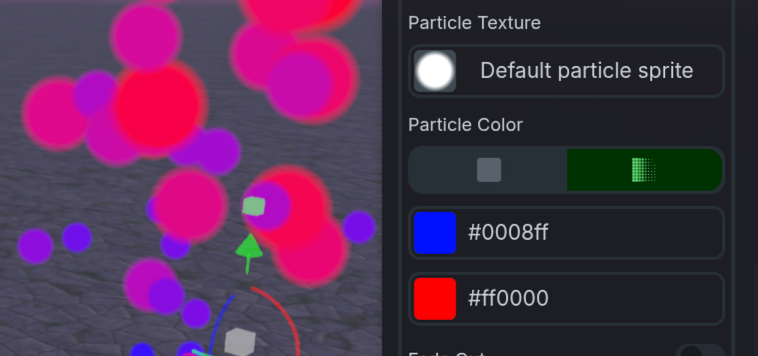
Controls the style of particle used between a Sprite and Mesh option. When using the Mesh option a square or sphere can be selected. Otherwise the Particle Texture is used. You can upload a custom Particle Texture to change the shape. Ensure your file is a standard image format like JPEG, PNG, or WEBP. Transparency is supported.
Particle Color
Particle Color
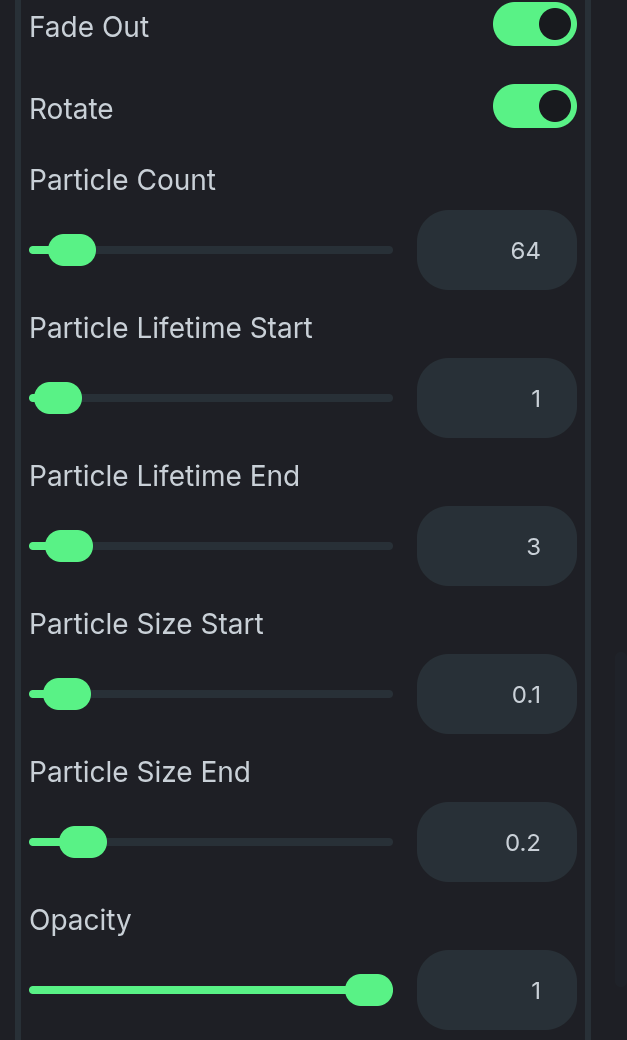
Controls the maximum possible particles that can be spawned at the same time.
Particle Count
Particle Count
Controls the maximum amount of particles that can spawn.
Lifetime Start / End
Lifetime Start / End
Controls the time it takes a particle to despawn.
Size Start / End
Size Start / End
Controls the possible range for the particle size.
Opacity
Opacity
Controls the transparency of the particle.
Speed
Speed
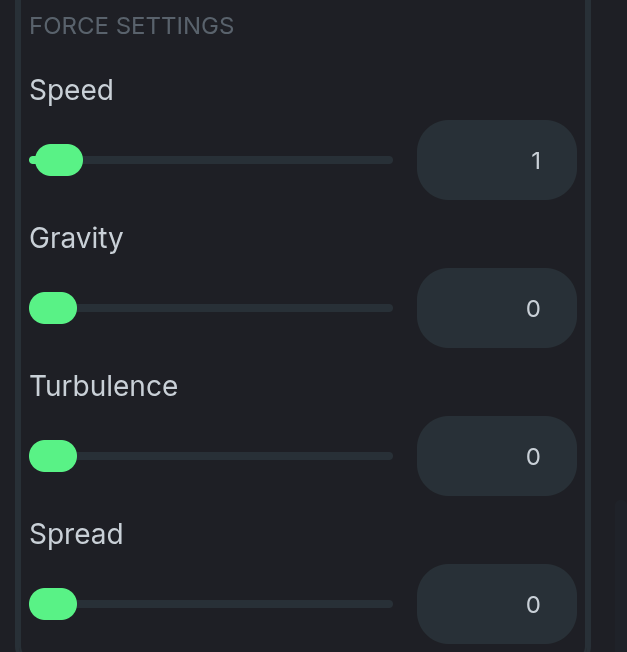
Controls the velocity of the particles when spawned.
Gravity
Gravity
Controls a force applied to particles after they are spawned.
Turbulence
Turbulence
Controls the noise or variation of the particle’s forces.
Spread
Spread
Controls the direction of the particle’s forces.
Add Emitter
Add Emitter
Adds an additional emitter to the Particle object. You can add multiple emitters to a single Particle object to chain multiple effects together.

Was this helpful?
Still need help? Ask the team