Create Objects with Text
Last updated 5 months ago
Right Click an empty space in the world, then select the Create Object option.
Select the From Text icon
Choose what AI Model you want to use for generating a 3D model using the ⚙️ Gear Icon.
Complete the prompt with the either the green icon or enter key.
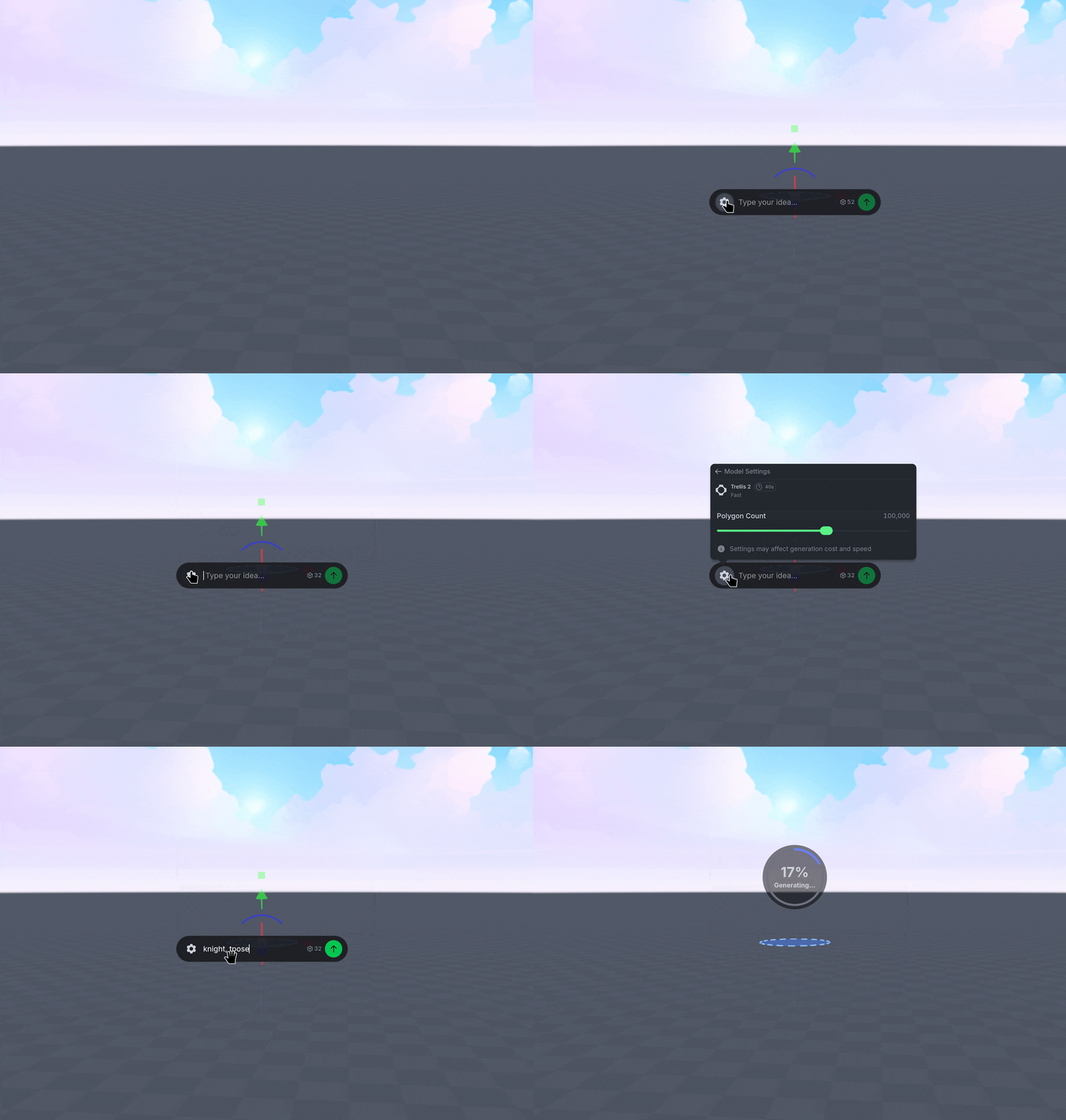
When creating characters you want to rig or animate, add t-pose to the end of your prompt for the best results.