How to Change World Images
Last updated 6 months ago
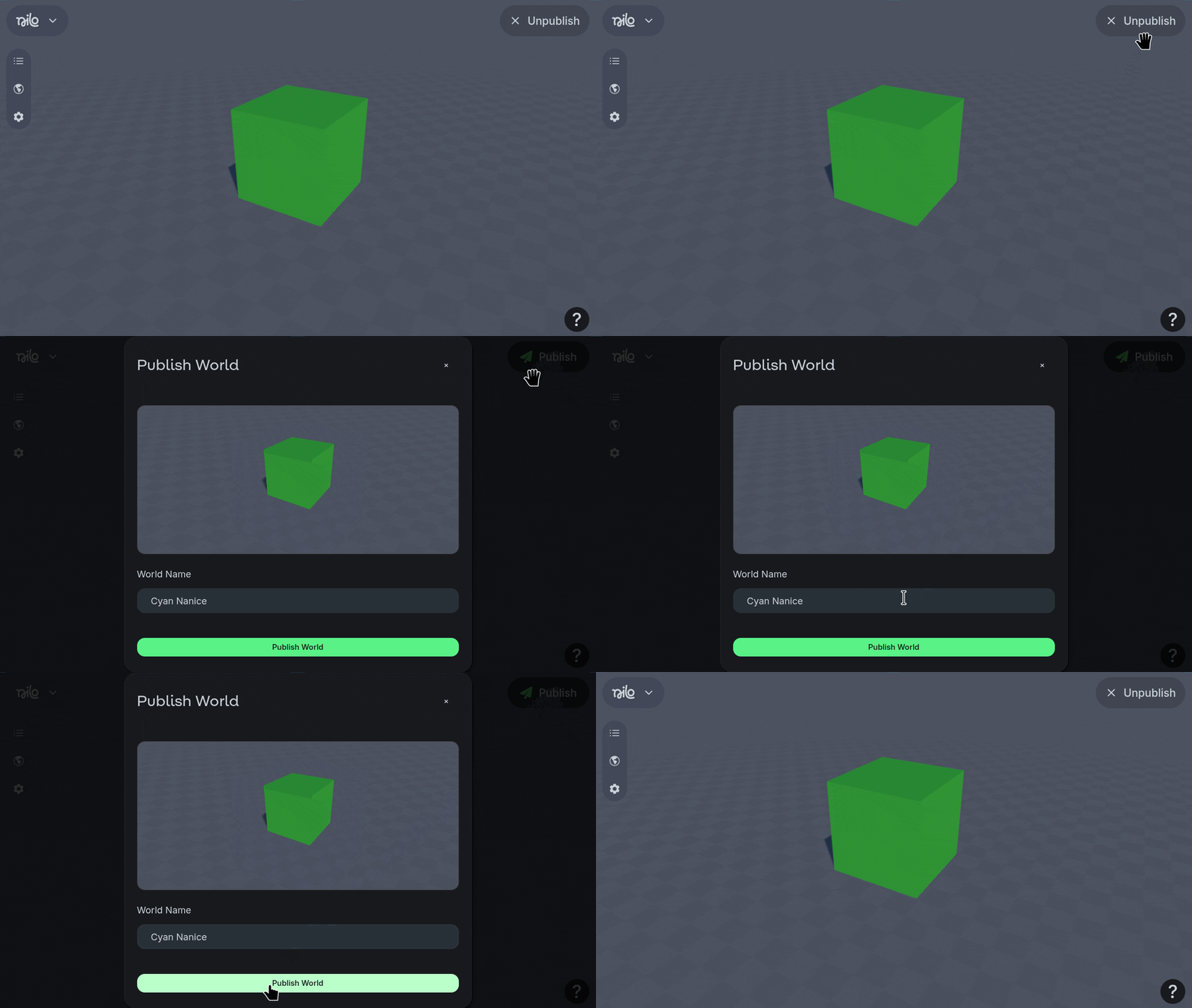
Unpublish the world if it is already published.
Publish the world again.
The world image thumbnail will update to use your current camera angle.
To save a specific angle for the camera, use Cntl-K
To load the previously saved camera angle, use Cntl-L