How to Duplicate Objects
Last updated 4 days ago
To copy, or duplicate a single object, select the object then use Ctrl-D
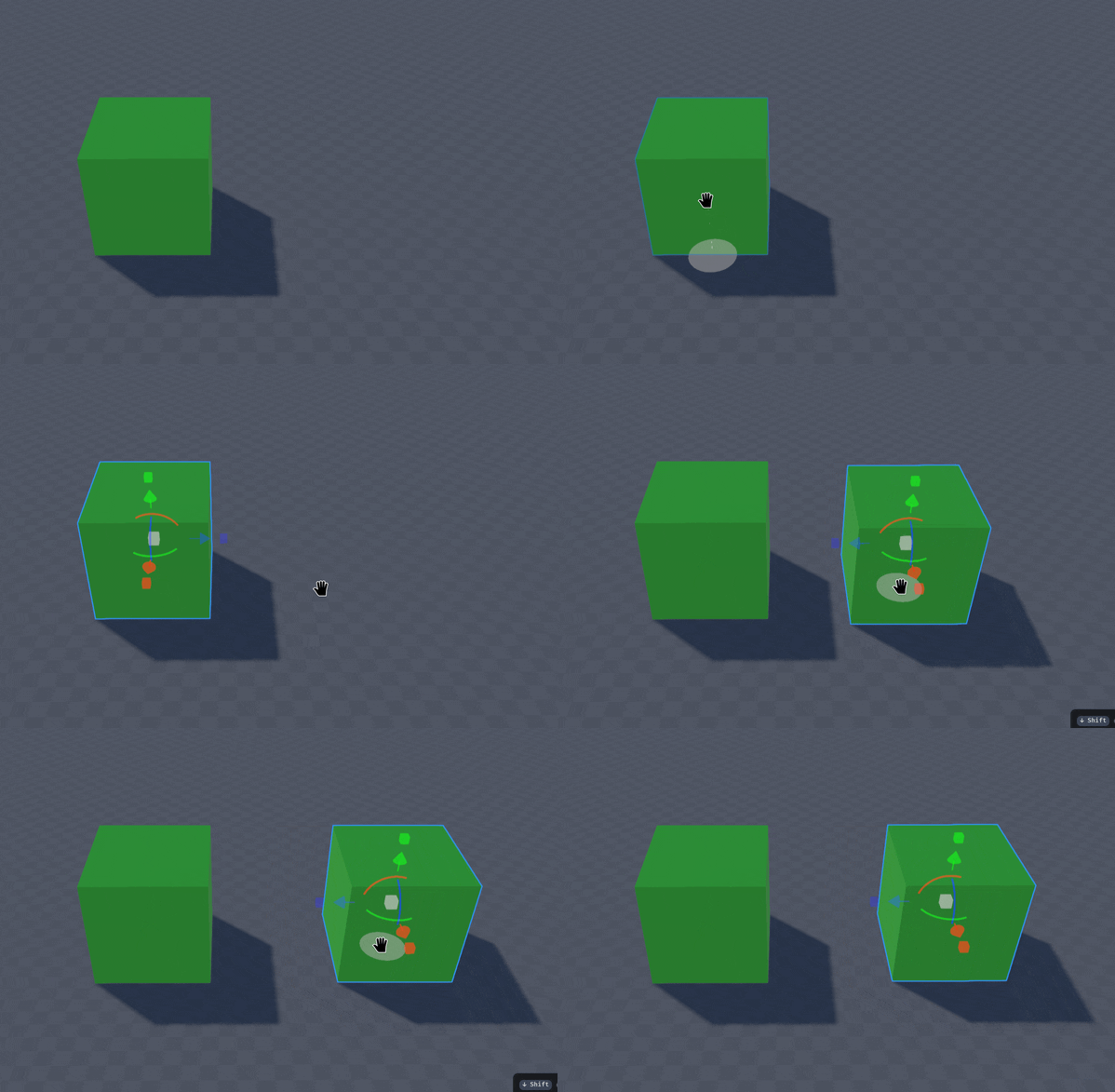
Using Ctrl-D again will duplicate the object relative to the previously duplicated object. This can be used to duplicate along a curve
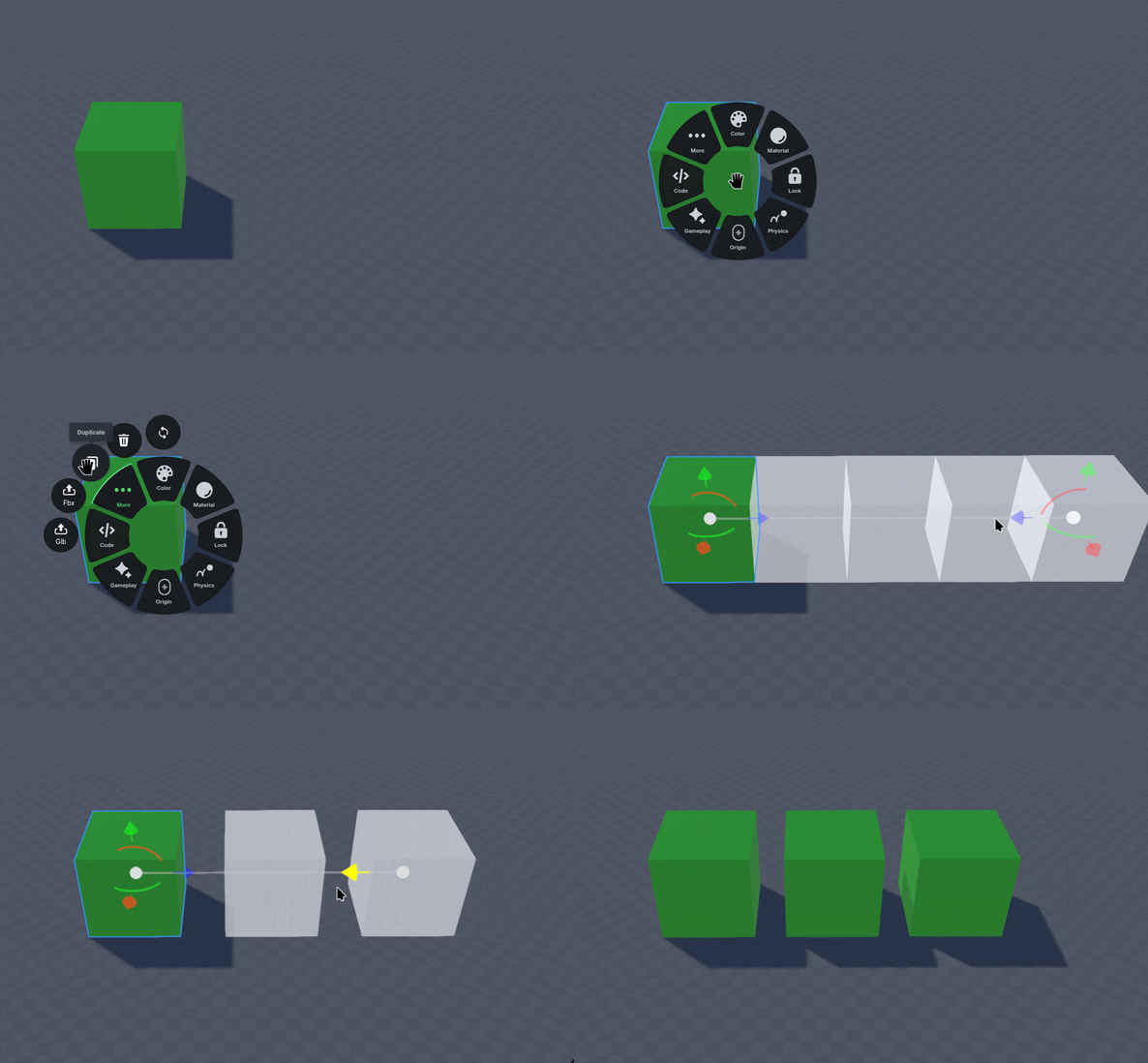
To duplicate multiple objects, Right-Click the object and select the “. . .” More option.
Then select the 📰 Duplicate icon.
Adjust the gizmo positions based on how many objects you want to duplicate, then confirm with Enter
Was this helpful?
Still need help? Ask the team