How to Clone a World
Last updated 8 months ago
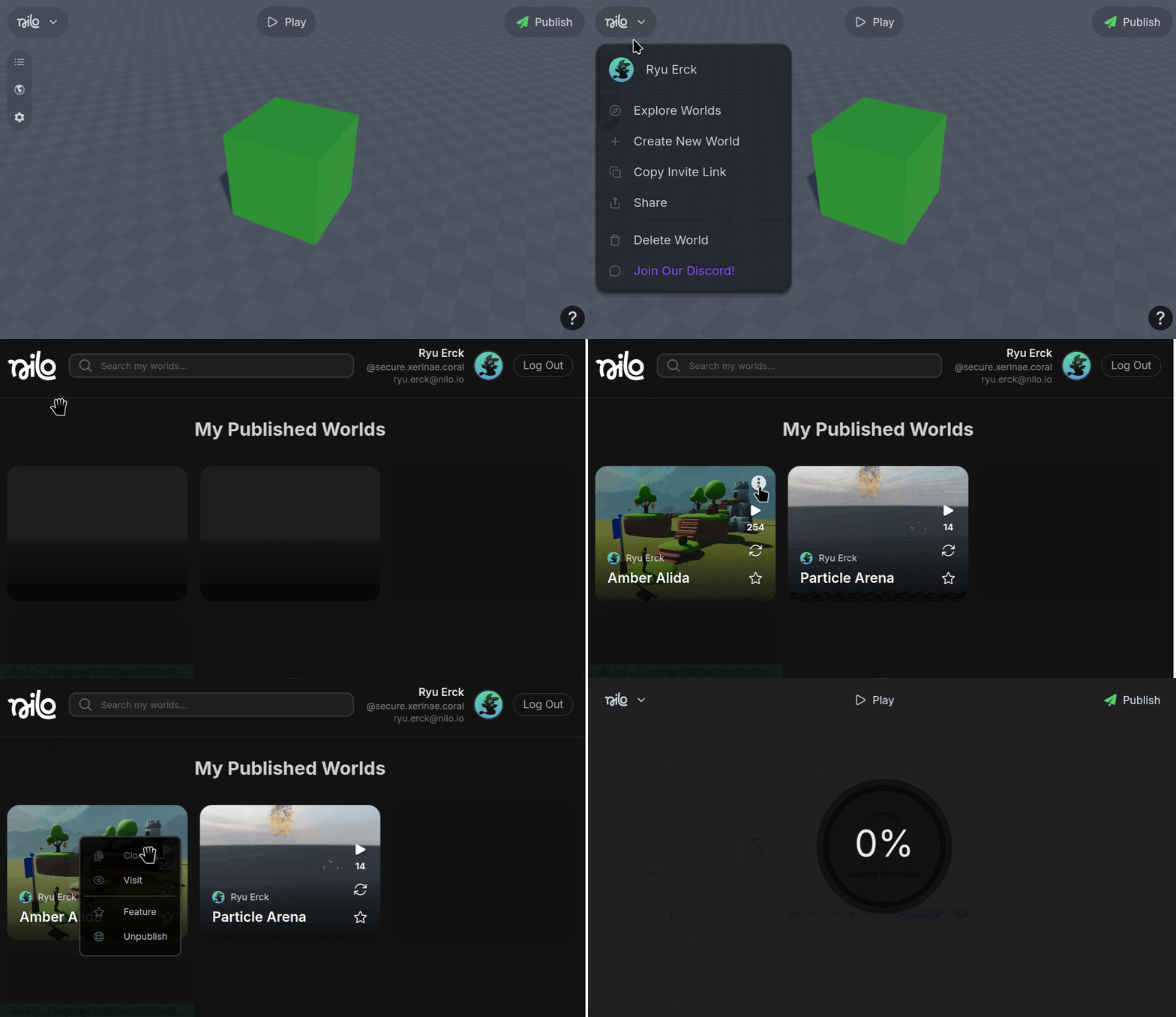
Click on your profile icon from the Nilo Main Menu
Hover over the world you want to clone and select the “…” option.
Select Clone World
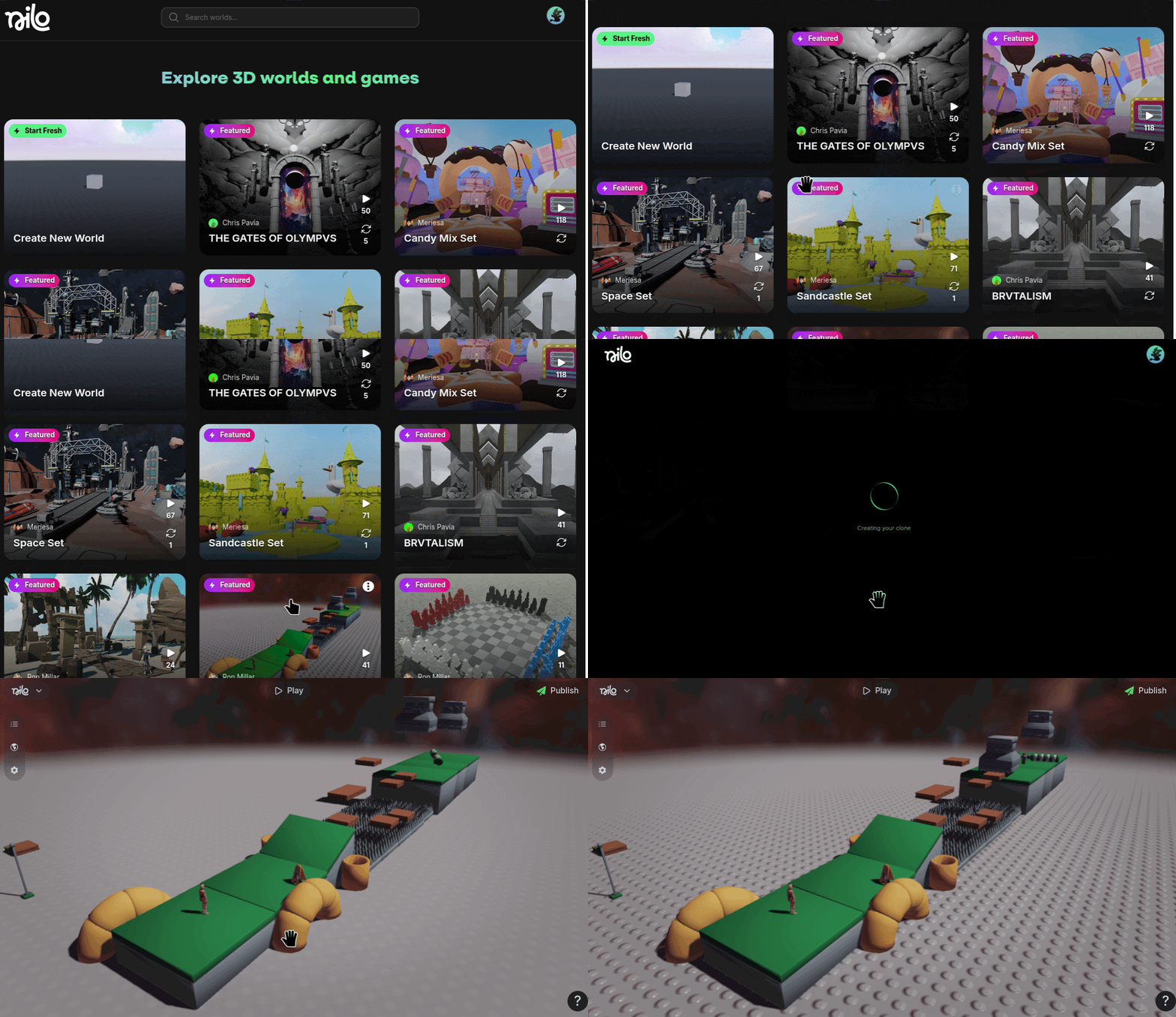
Alternatively from play.nilo.io home menu, select the thumbnail of the world you want to clone
Was this helpful?
Still need help? Ask the team