Changelog

Follow new updates and improvements to Nilo.

November 10, 2026 Update
📹 Video x Nilo AI

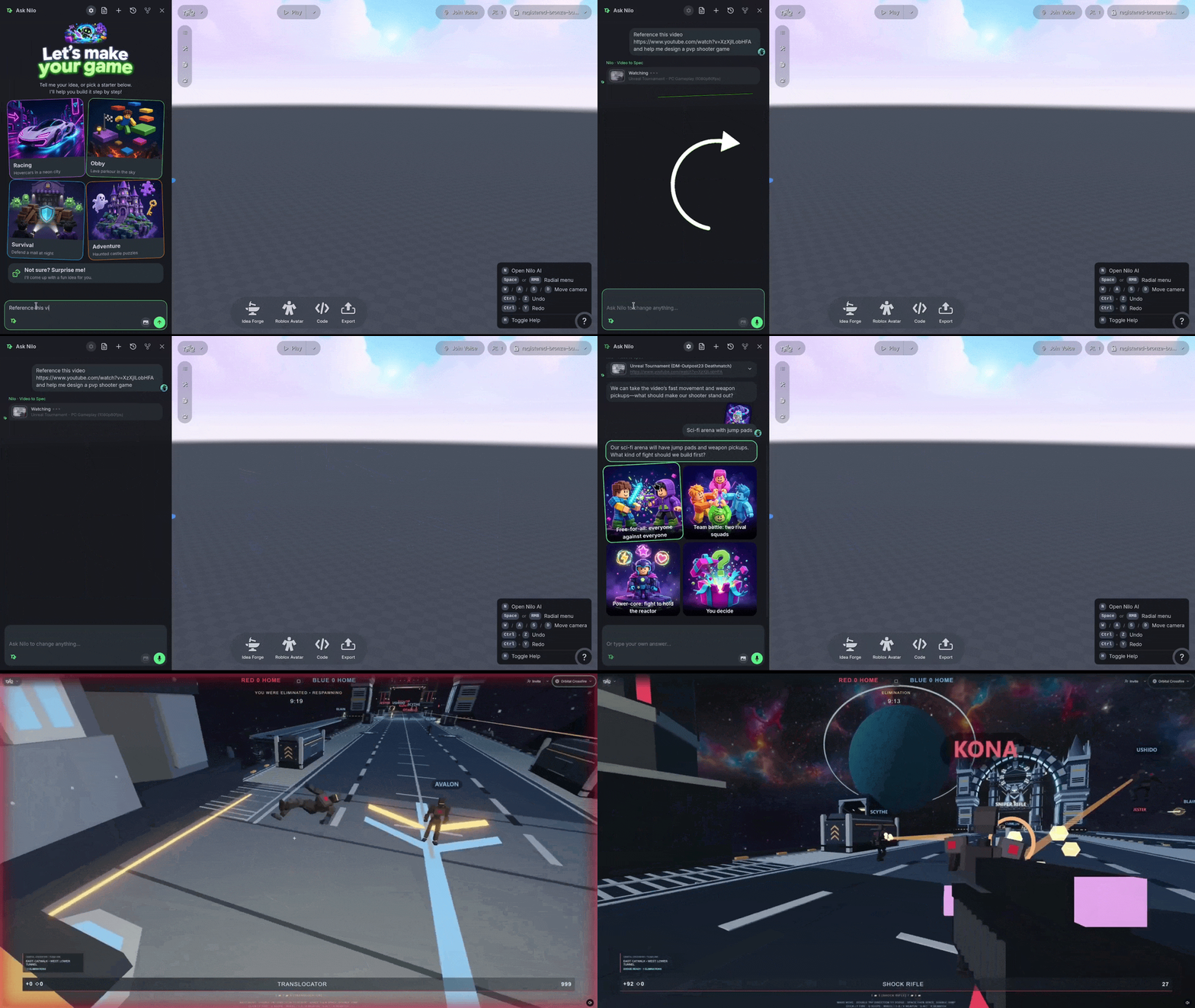
We added Video support to Nilo AI!

Upload or copy a link to a video you want to reference in your prompt and Nilo AI will watch and review the content, then create a design document and a demo that you can refine and curate to your taste.
🖼️ Multi-view Generation

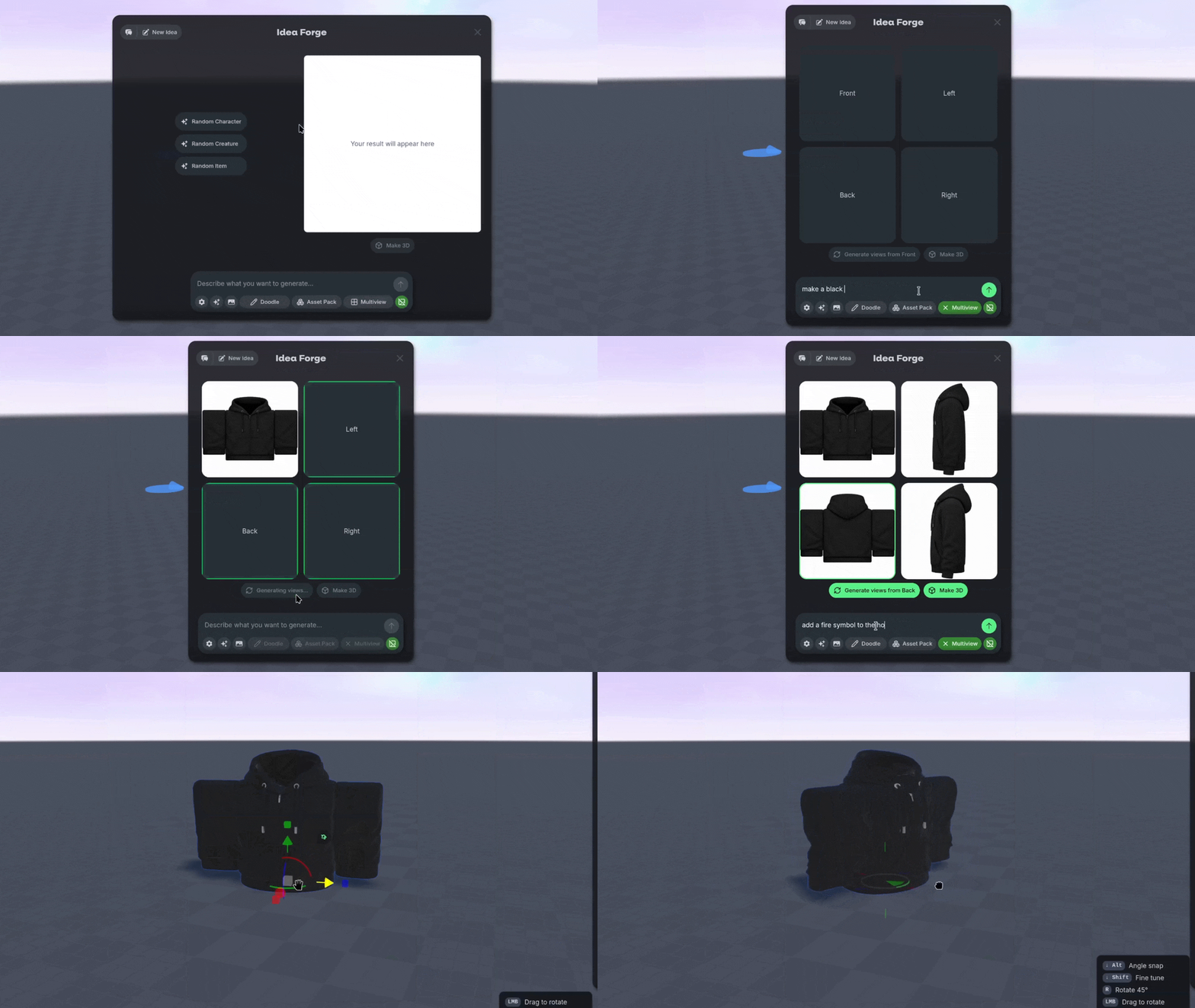
Need to generate something that has a specific concept or design on both the front and back of the model? We added Multi-view Generation options to Idea Forge to help!

Select the Multiview option in Idea Forge to generate a concept from the front, sides or back. You can then generate the other perspectives all at once, or one at a time until you’re ready to use all four concepts to create the 3D Model.
🔗 Invite to Play

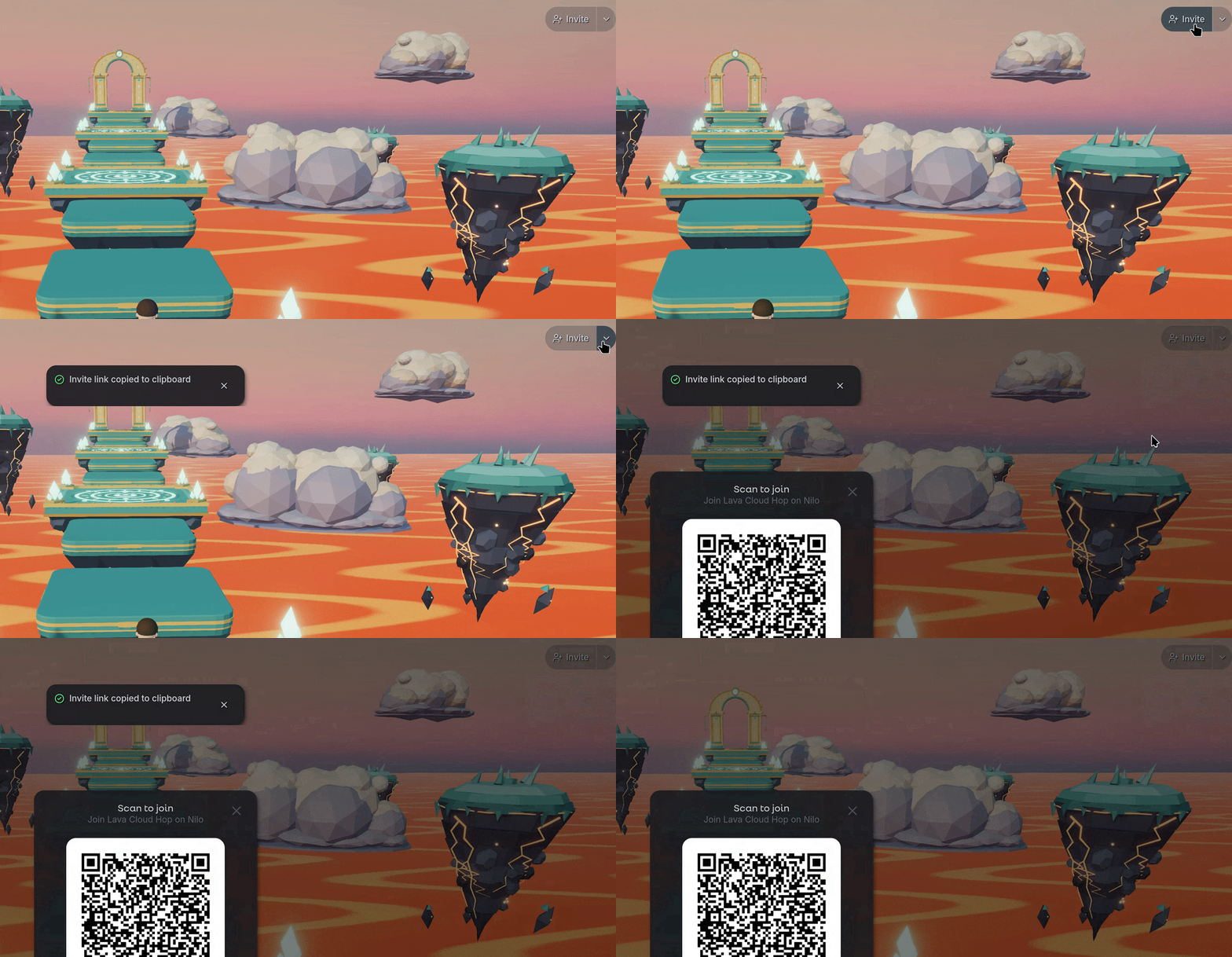
Bringing your friends into a World is now simple! Use the new Invite button on the world HUD to share a link or a QR code. You can send this link anywhere to have your friends join in the same game as you.
💡 Changes & Fixes

  • Explore and Loading pages use portrait thumbnails, horizontal ones are still used in the profile page.

  • Added a 🔔 Notification center where error messages and feedback get allocated in a list that you can address as needed.

  • Fixed an issue where exporting a World with GLB wouldnt include the animation clips attached to the objects in the model.

  • Fixed a bug where rigs would not import cleanly into Roblox Studio due to naming issues.

  • Shared playtests now show up in the Play button's options.

  • Updated the look when individual models are being generated and re-enabled the ability to move, scale and rotate objects being actively generated.

  • Added more types of ways to view the objects in your World via the Entity Panel such as Spawnable objects and filterable objects.

  • Fixed an issue with Workbench features such as animations and attachment sockets were not working correctly.

  • Fixed some animation issues with rigged characters to prevent some unique “flying human” situations.

  • Several other additional performance fixes across Nilo AI, Mini Agents, Idea Forge, multiplayer, Environmental panels and UI.
November 5, 2026 Update

🎮 New Gameplay

Nilo started as a tool for making 3D creation feel fun. A model from a prompt. A rig and an animation. These models and scenes could be shared and export with your friends.

That got a lot of things made. Now we’re taking the next step and adding even more capabilities to Nilo so you can make playable games!

🌐 Nilo AI

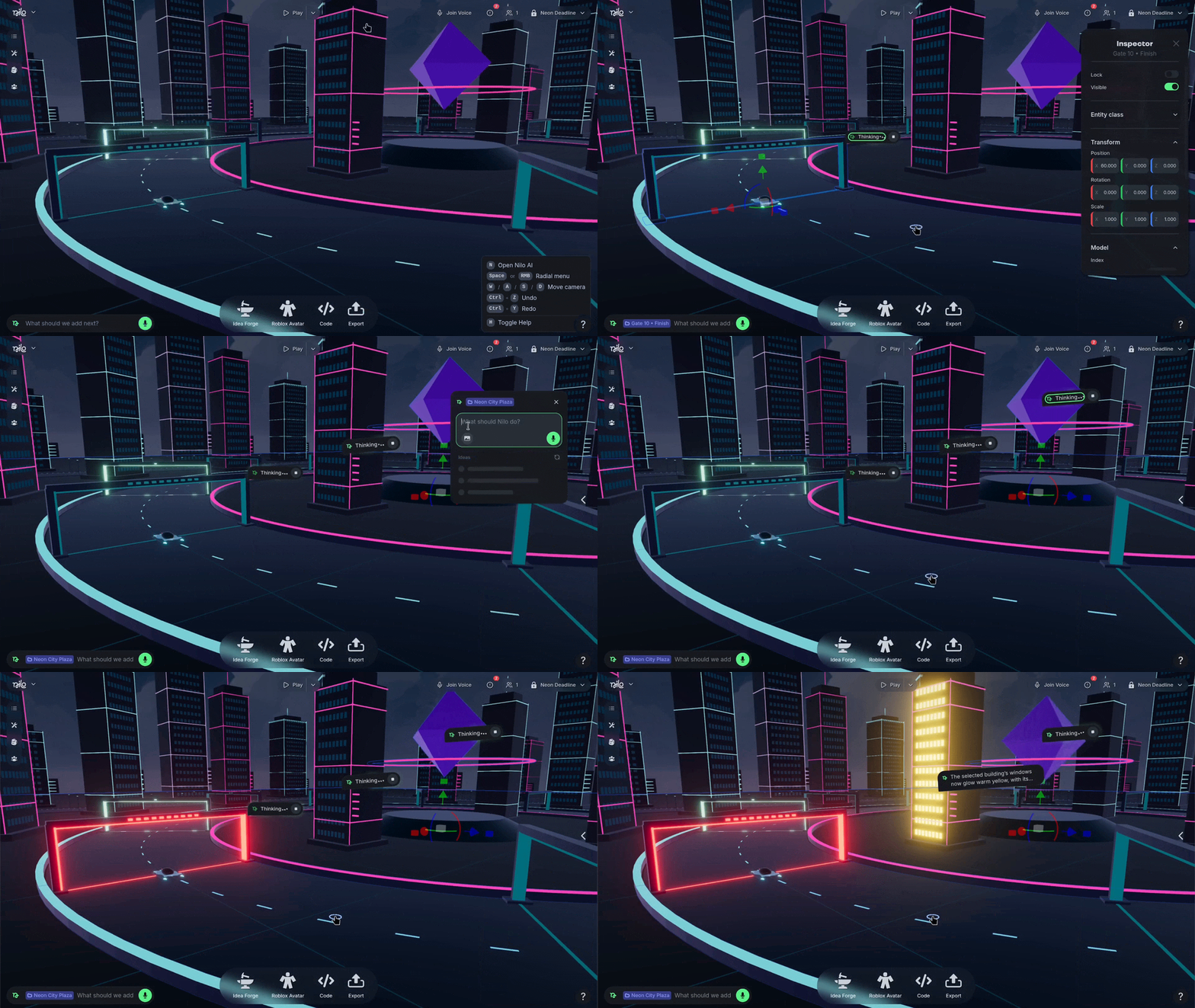
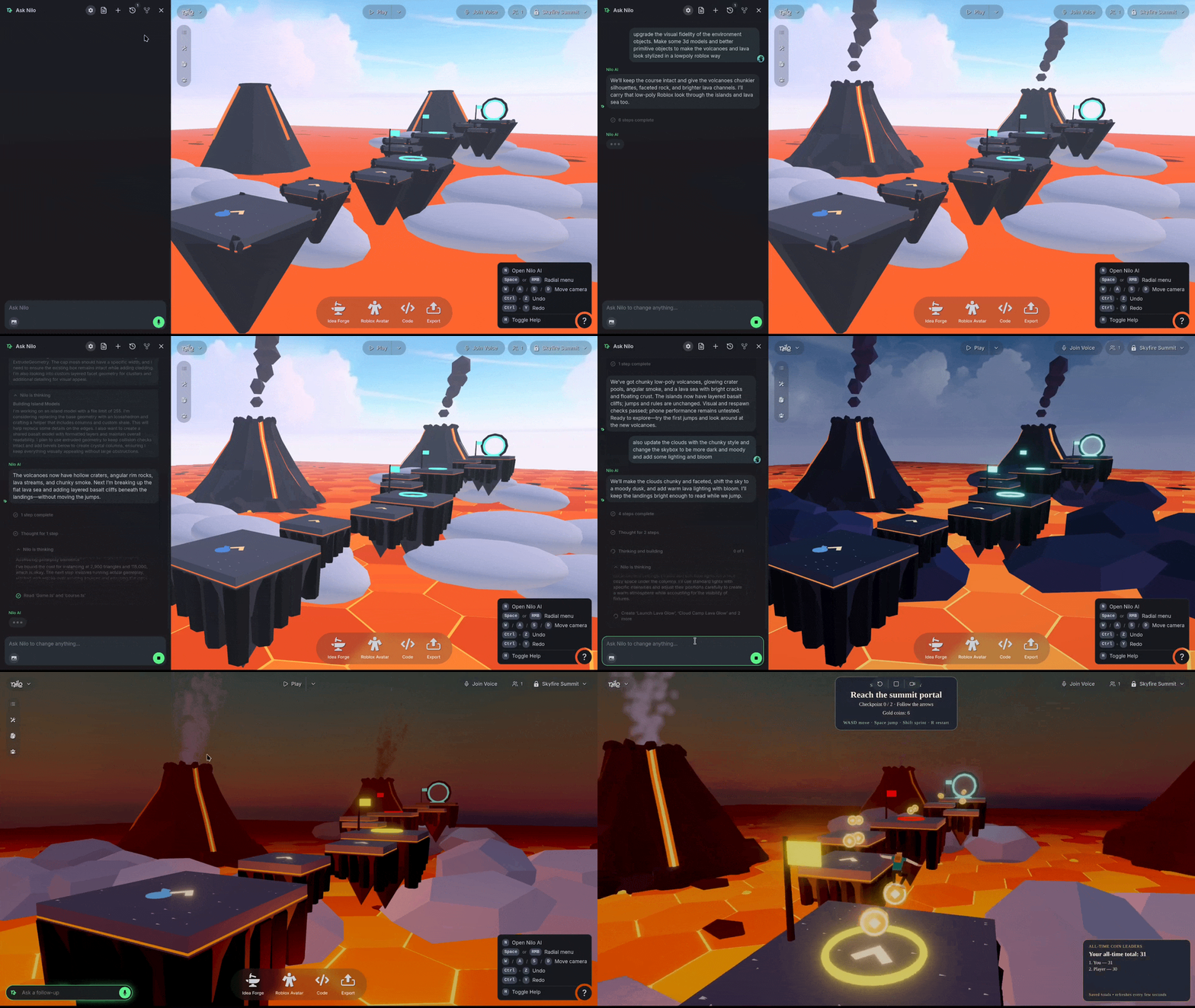
The Nilo AI feature is an AI assistant that empowers you to create games with Nilo’s tools: 3D models and whole environments, game logic, characters and animations, sound effects, leaderboards, UI, and more.

As you prompt and iterate, Nilo AI keeps a Game Design Document you can edit and refer back to, so the concept stays consistent while you work with Nilo AI.

Nilo AI is synchronized for everyone building in your World! Collaborators can start new chats and contribute to existing ones at the same time.

🤖 The Mini Agent

The Mini Agent works on one object at a time. Select something and edit its properties and finer details, or swap a primitives out for a generated or imported models without touching the rest of your World.

Mini Agents also run at the same time as Nilo AI, so you can keep tweaking the small stuff while Nilo AI is working.

💡Code Editor Refresh

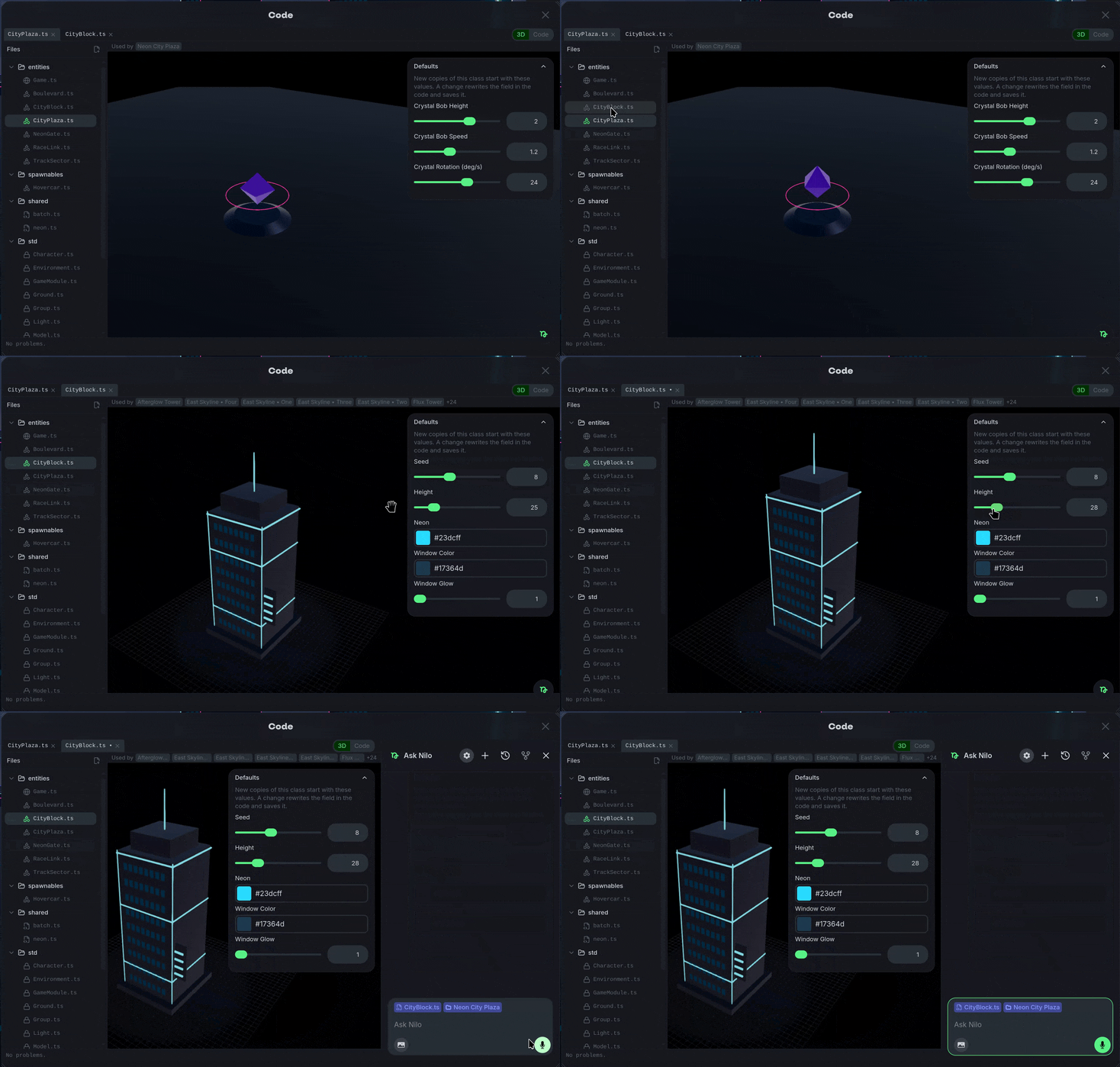
To make Games Possible we’ve completely revamped our backend and code editor to support shared and individual logic. You can select the </> Code Option or choose to </> Edit Class on an object to change aspects associated with the object using the visual editor.

You can also directly edit the Code and manually adjust or build, or ask for help with the Mini Agent to add new features and capabilities as you need them.

💡 Changes & Fixes

  • Improved voice input so talking to the agents is clearer and more reliable.

  • Added a voice chat option to use your microphone when playing games with other players.

  • Added a Share button and a bio to the profile page.

  • Added a Playing now row to the Explore page to make it easier to find Worlds with other players.

  • Fixed an issue where the renderer toggle now shows WebGL when WebGPU isn't available, instead of a dead option.

  • Added an Upgrade option for Legacy Worlds on the old system, which should automatically update when you open them.

  • Updated Mobile controls and UI significantly to handle gameplay changes and the Agent tools.

October 8, 2026 Update

🖼️ Custom Thumbnails

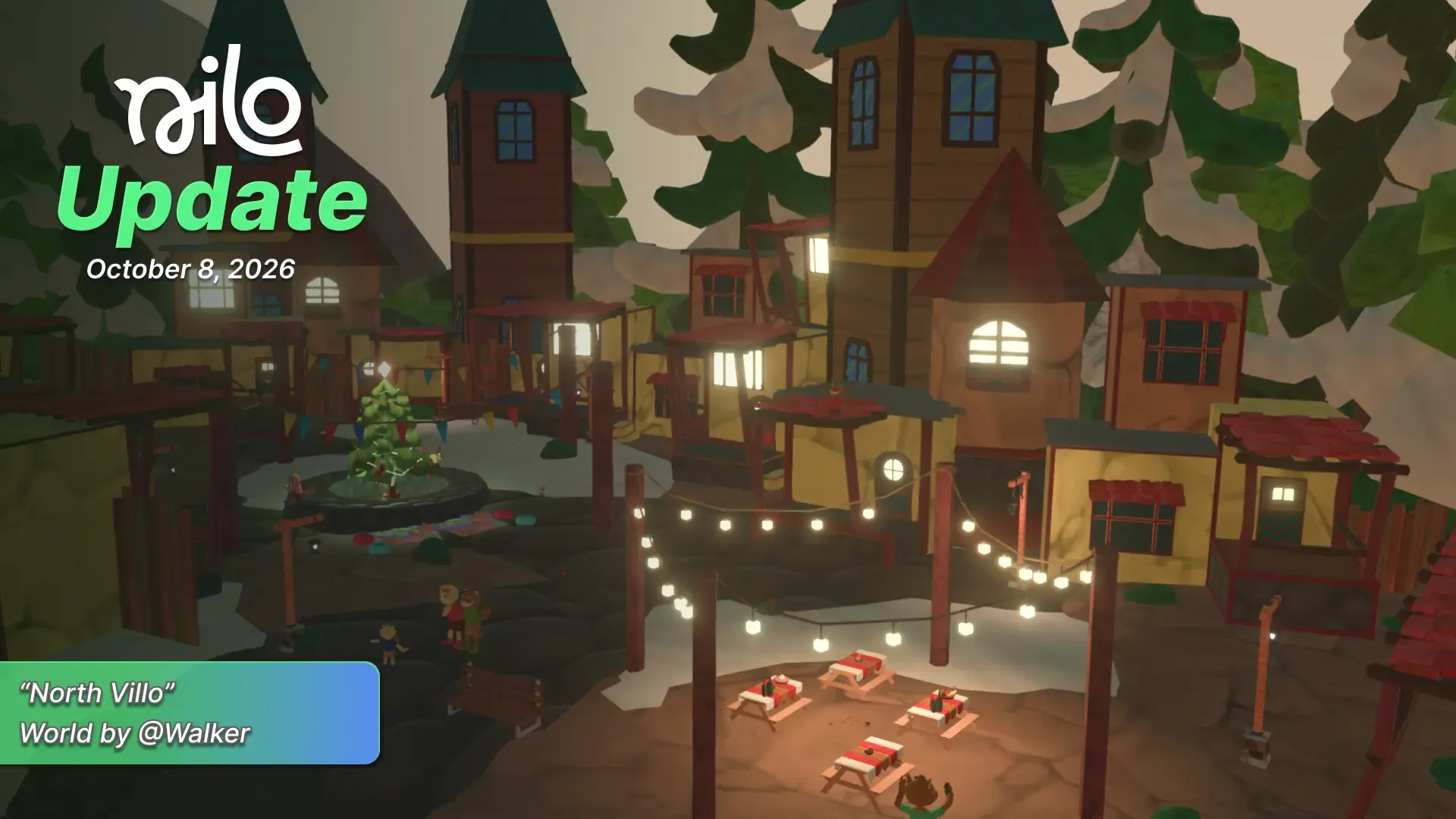
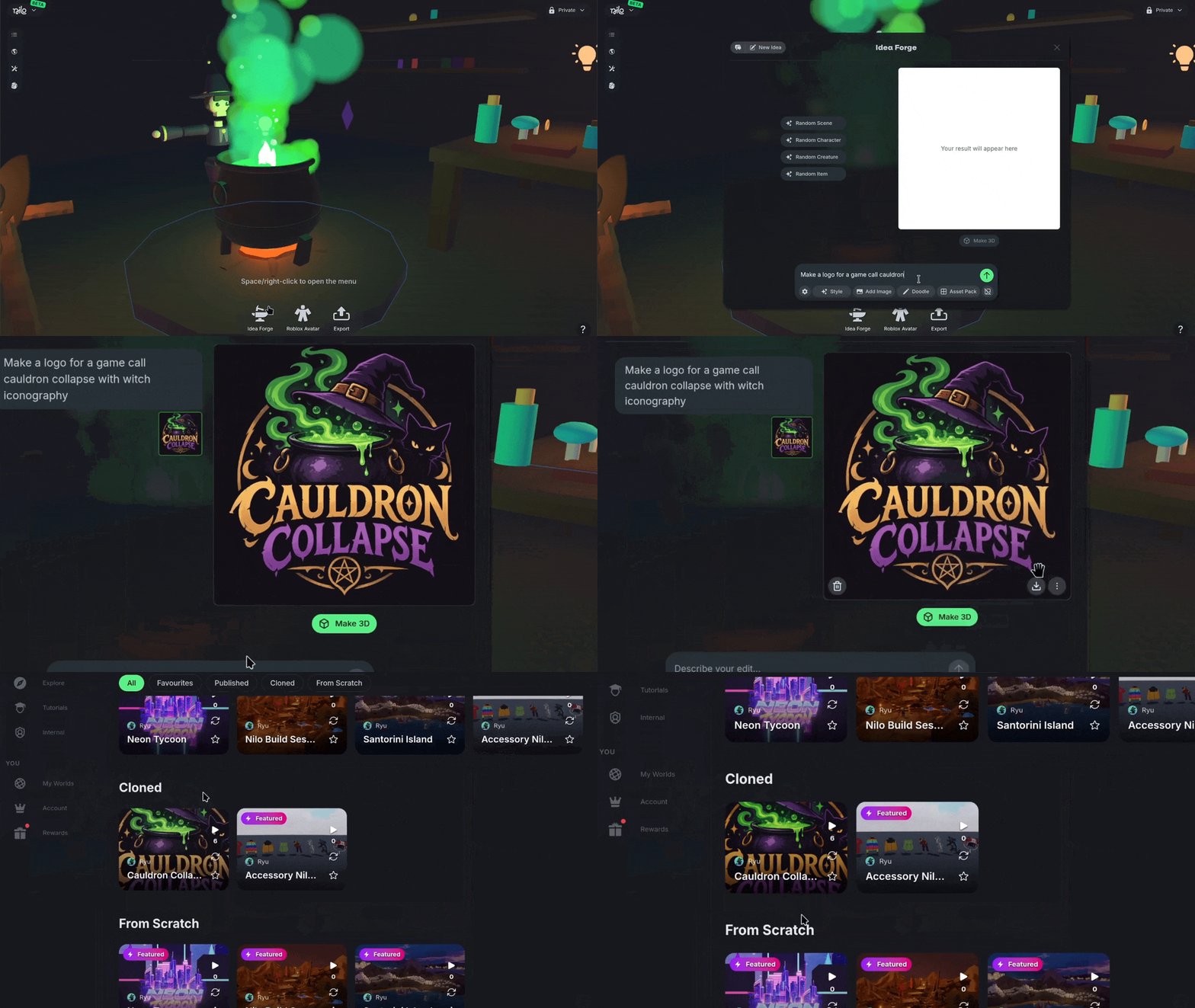
Added custom preview images for your published Worlds. Select an image you create from Idea Forge or Upload to the Builder bag and select Use as preview image. The image will auto-crop to 16:9 and be set as your World preview thumbnails.

🤖 Meshy 7.1

We upgraded our Meshy 3D generation to Meshy 7.1, the latest version of the model! It's still built for clean, game-ready models, now with better geometry on your higher-detail generations. Switch to it any time with the ⚙️ Gear icon when you generate to dial the detail in to exactly what your World needs.

💡 Changes & Fixes

  • Updated loading screens to show popular Nilo Worlds.

  • Fixed some UI clarity issues when it came to subscriptions and usage-limits.

  • Added per-asset file sizes to the stats overlay so you can see how the impact of each object in your World.

  • Fixed face accessory attachment names when exporting Roblox Characters to RBXMX.

  • Fixed PLY model files being rejected as unsupported on import.

  • Fixed the invite link sometimes copying the wrong link.

  • Fixed spatial audio so sounds play from each object's position as it moves around your World.

  • Fixed sidebar panels opening while you drag objects in the scene.

Earlier updates