How to Create a Game
Last updated 3 days ago
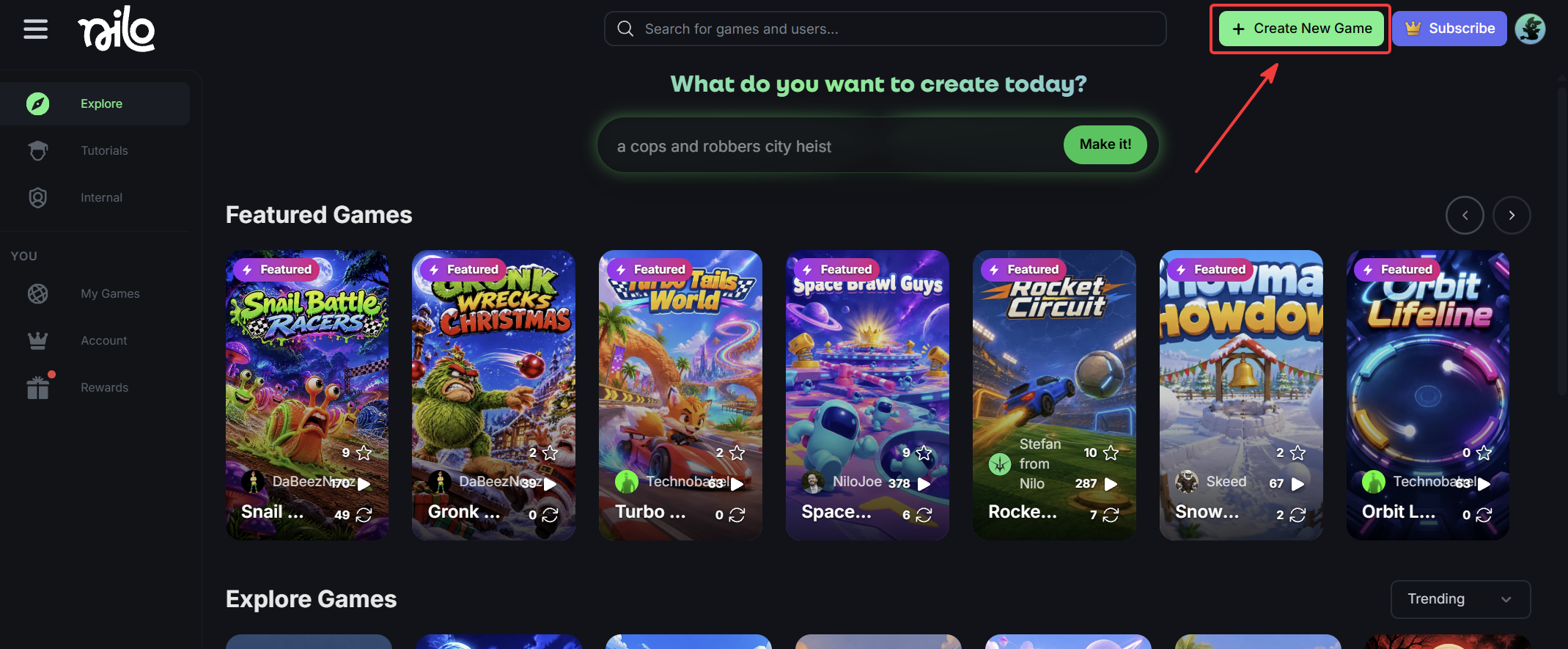
Select + Create New Game on play.nilo.io
Gameplay, along with most actions in Nilo, can be interacted with and managed by Nilo AI.
On the lower left of the screen, select the Nilo Logo or type in the prompt bar.
Describe what you want to change in your World.
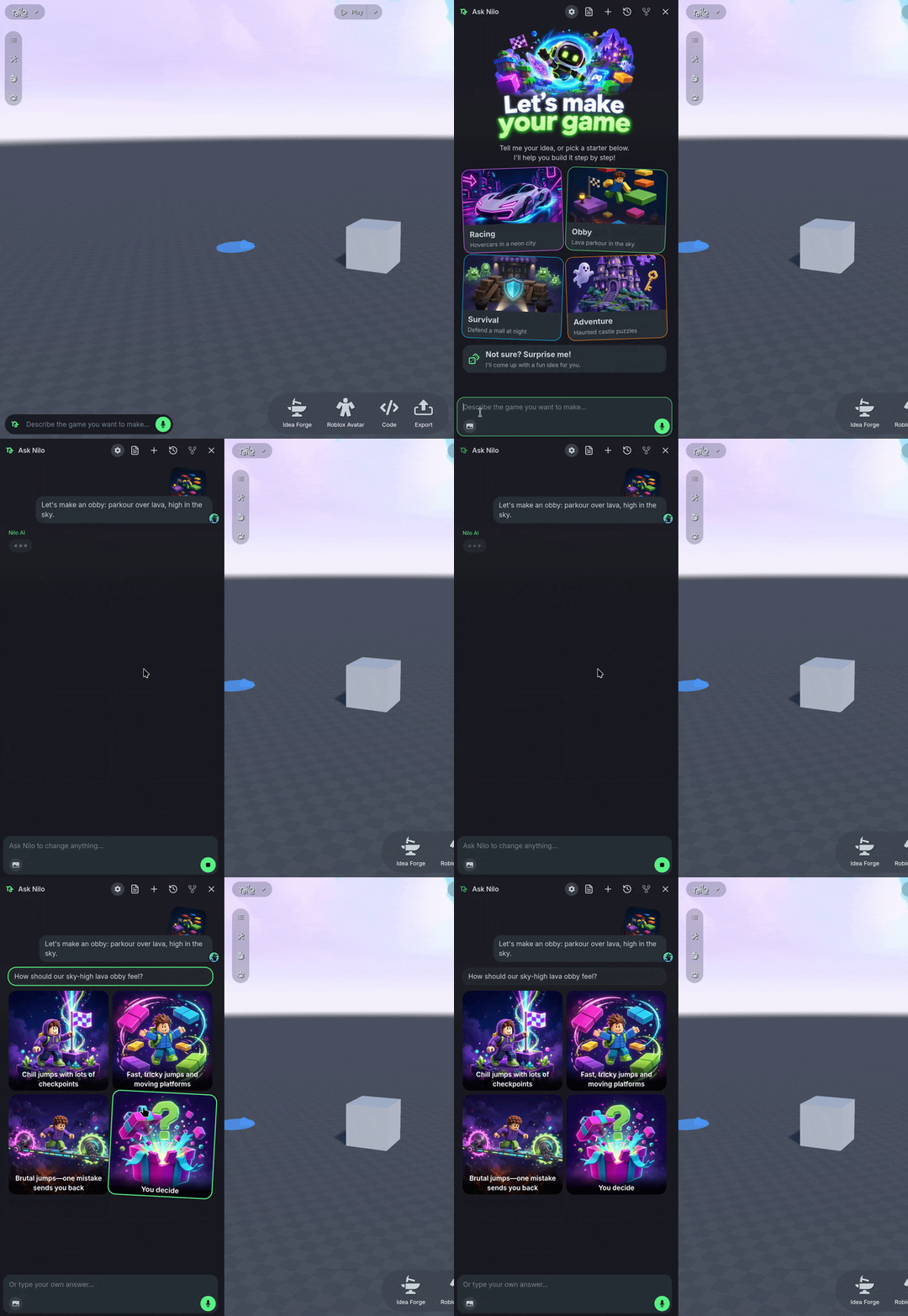
Nilo AI may ask followup questions before implementing your requested changes through various steps that can be paused at any time.
You can continue to prompt Nilo AI while the World is actively being built. Think of your prompts steering Nilo AI in the right direction rather than queueing up actions.
Was this helpful?
Still need help? Ask the team