How to Change Game Images
Last updated 3 days ago
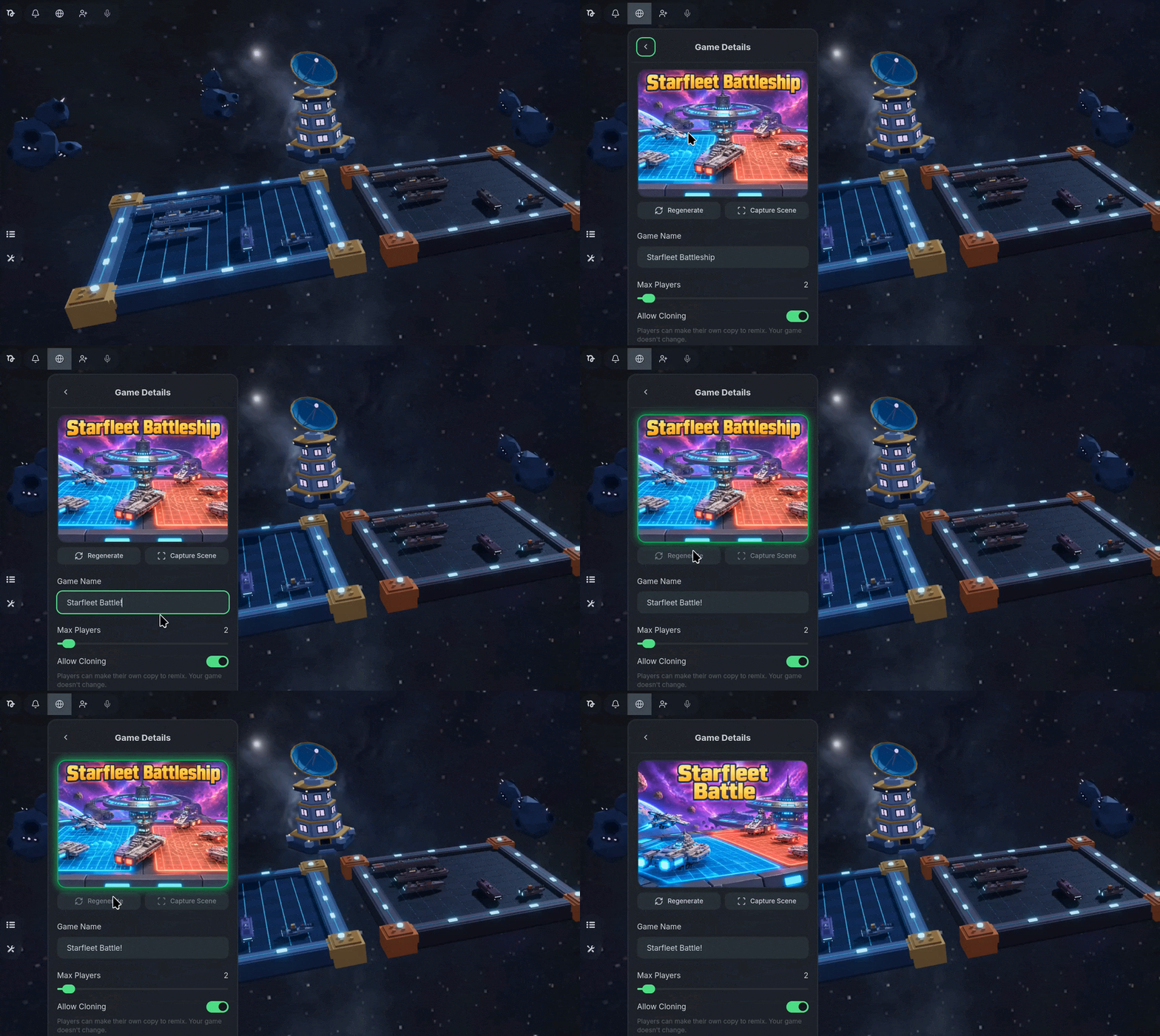
Select the 🌐 World option in the top left corner of the screen, then select Game Details
Select Regenerate or Capture Scene to create a new thumbnail image for your game
Regenerate is automatically created based on the Game Name and created objects based on the Game Design Document.
Was this helpful?
Still need help? Ask the team