Code Editor
Last updated 7 days ago
Select the </> Code Option on the toolbar at the bottom of the screen, or select an object, then choose </> Edit Class
The Code Editor will appear. Entity and Spawnable scripts are associated with the object you have selected. You can use the relevant sliders in the 3D view port or prompt the code editor to make new behaviors or changes.
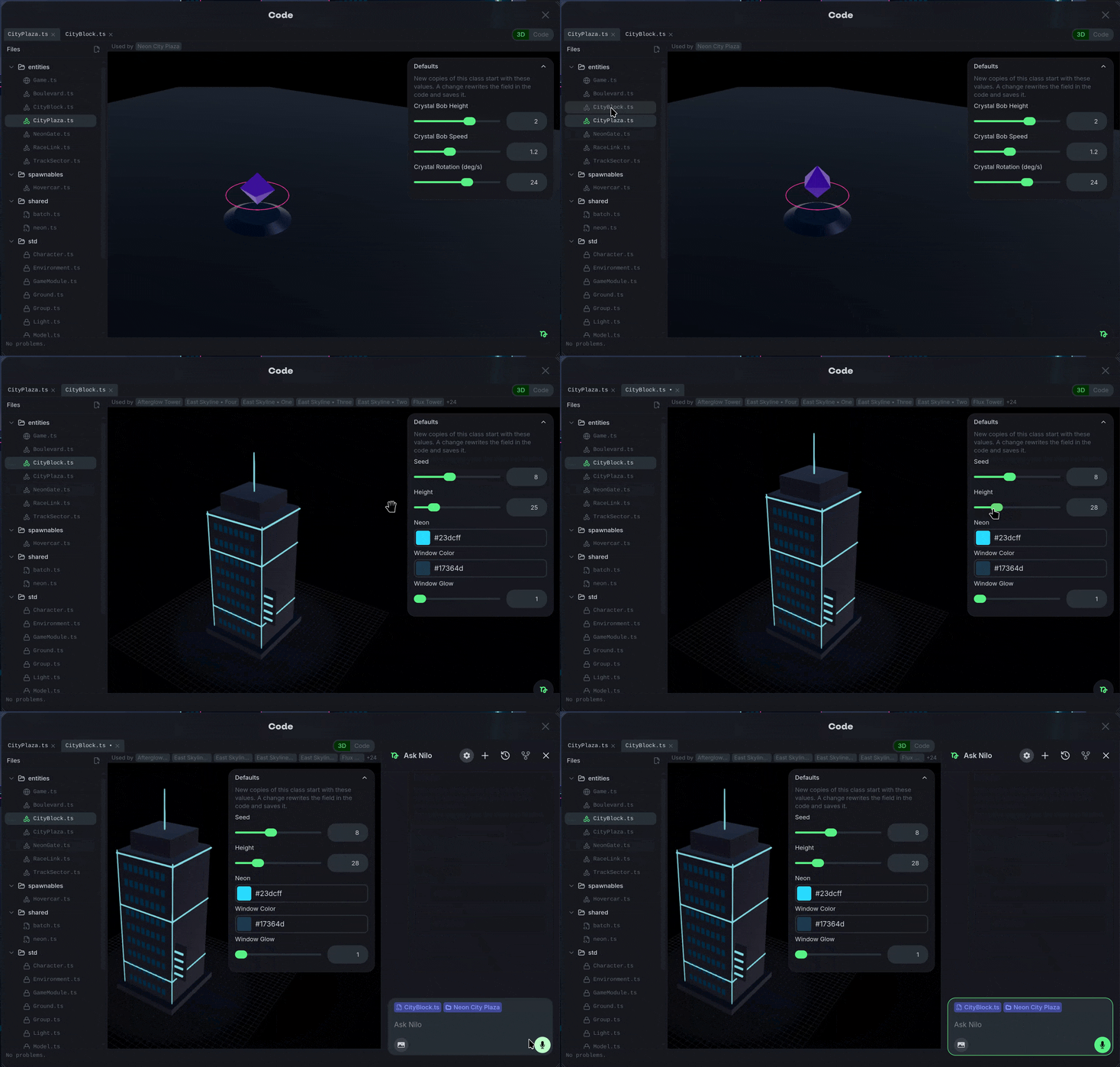
Code created is done in JavaScript and can be directly edited after generation if necessary.
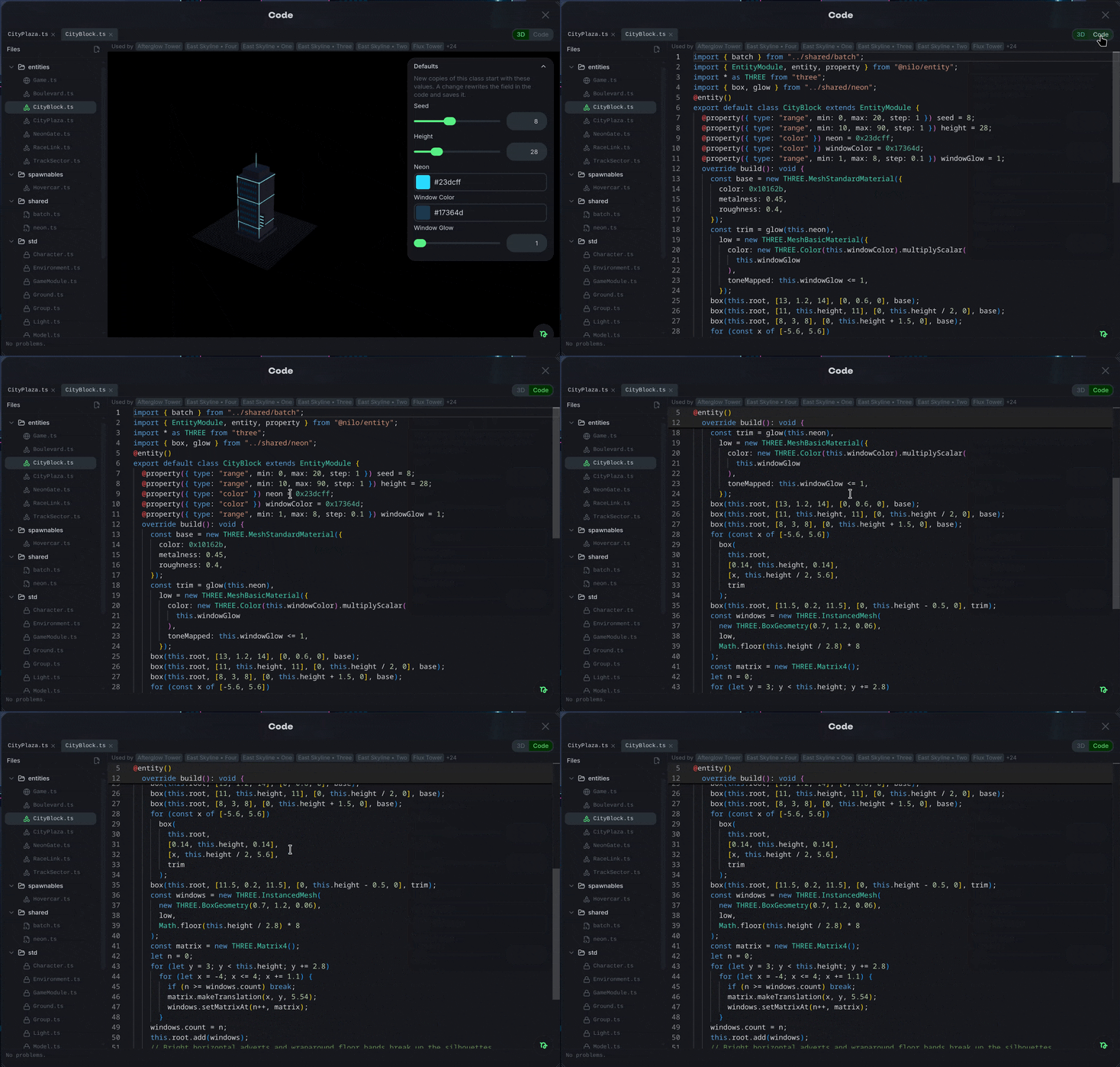
Some other script types like shared may appear when logic is shared across objects, or std for standard built-in scripts that Nilo uses for lighting, terrains and primitives.
Was this helpful?
Still need help? Ask the team