Nilo AI
Last updated About 8 hours ago
Gameplay, along with most actions in Nilo, can be interacted with and managed by Nilo AI.
On the lower left of the screen, select the Nilo Logo or type in the prompt bar.
Describe what you want to change in your World.
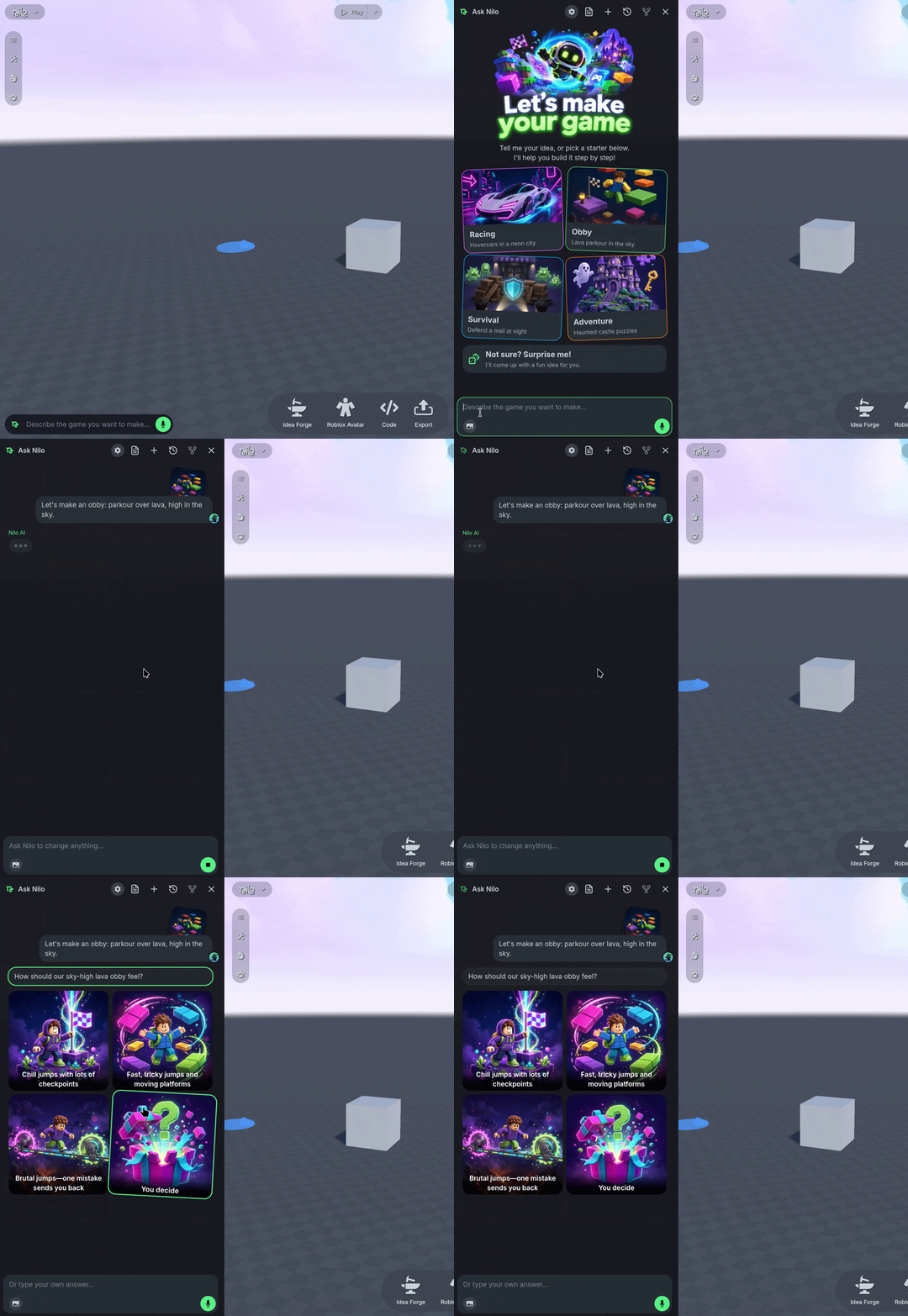
Nilo AI may ask followup questions before implementing your requested changes through various steps that can be paused at any time.
You can continue to prompt Nilo AI while the World is actively being built. Think of your prompts steering Nilo AI in the right direction rather than queueing up actions.
New Chat & Chat History
New Chat & Chat History
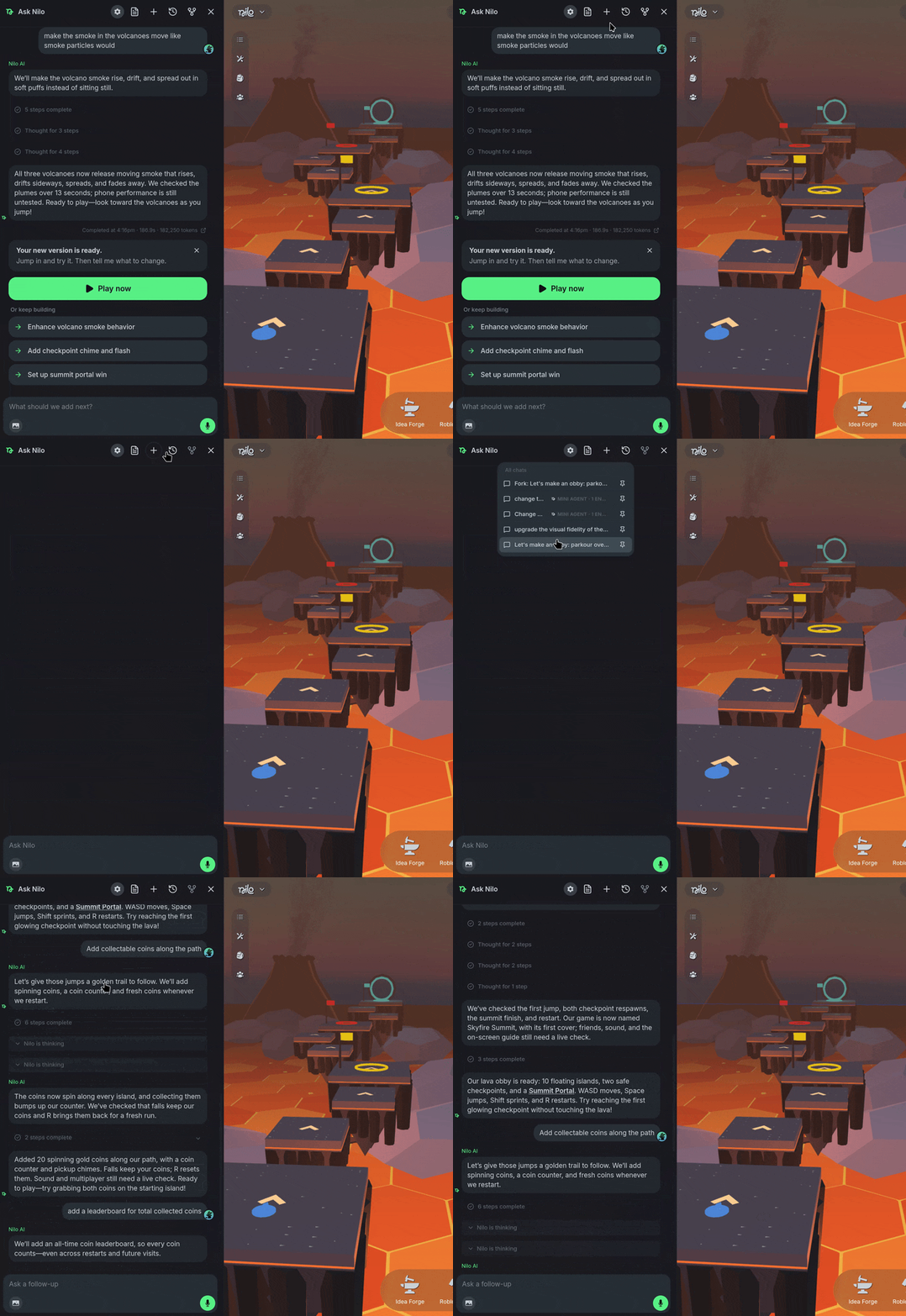
The Nilo AI keeps records of your chats between sessions. You can open a new chat using the ➕ New Chat Icon, or switch between previous chats using the ⌚Chat History Icon.
Game Design Document
Game Design Document
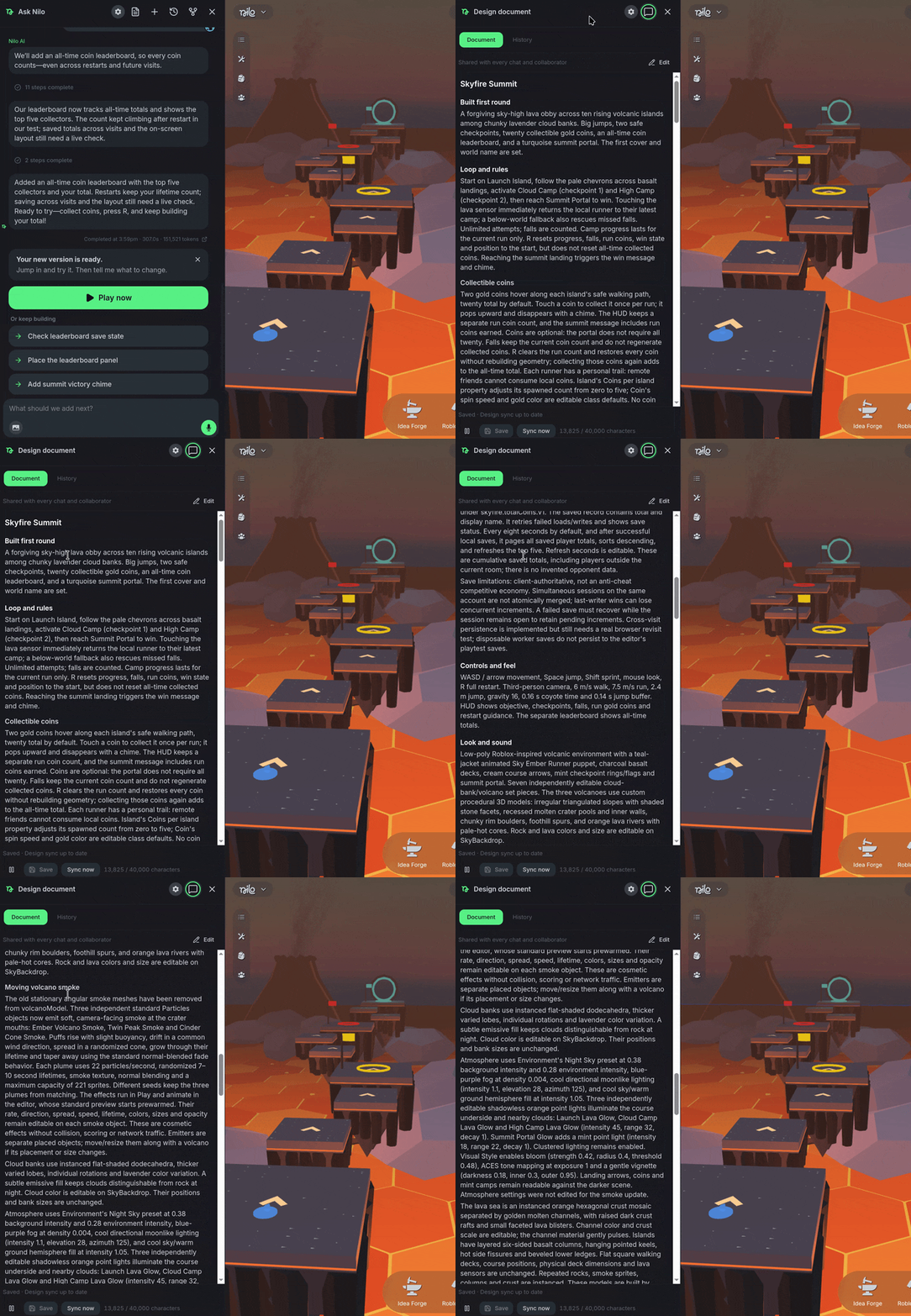
Nilo AI creates a Game Design Document when building a World using your prompts. Select the 📰 Game Design Document Icon to view, edit, or see the history of the document.
The Game Design Document is referenced when using Nilo AI to ensure what is being built is consistent between chats and prompts.
Was this helpful?
Still need help? Ask the team