How to Edit a Generated Object
Last updated About 1 month ago
Currently, options to edit objects are limited to objects generated in Nilo.
To make edits to a generated object, Right Click the object you want to edit, then select Edit 3D.
Prompt Idea Forge to refine the concept image then select Update 3D to generate the model again with your changes applied.
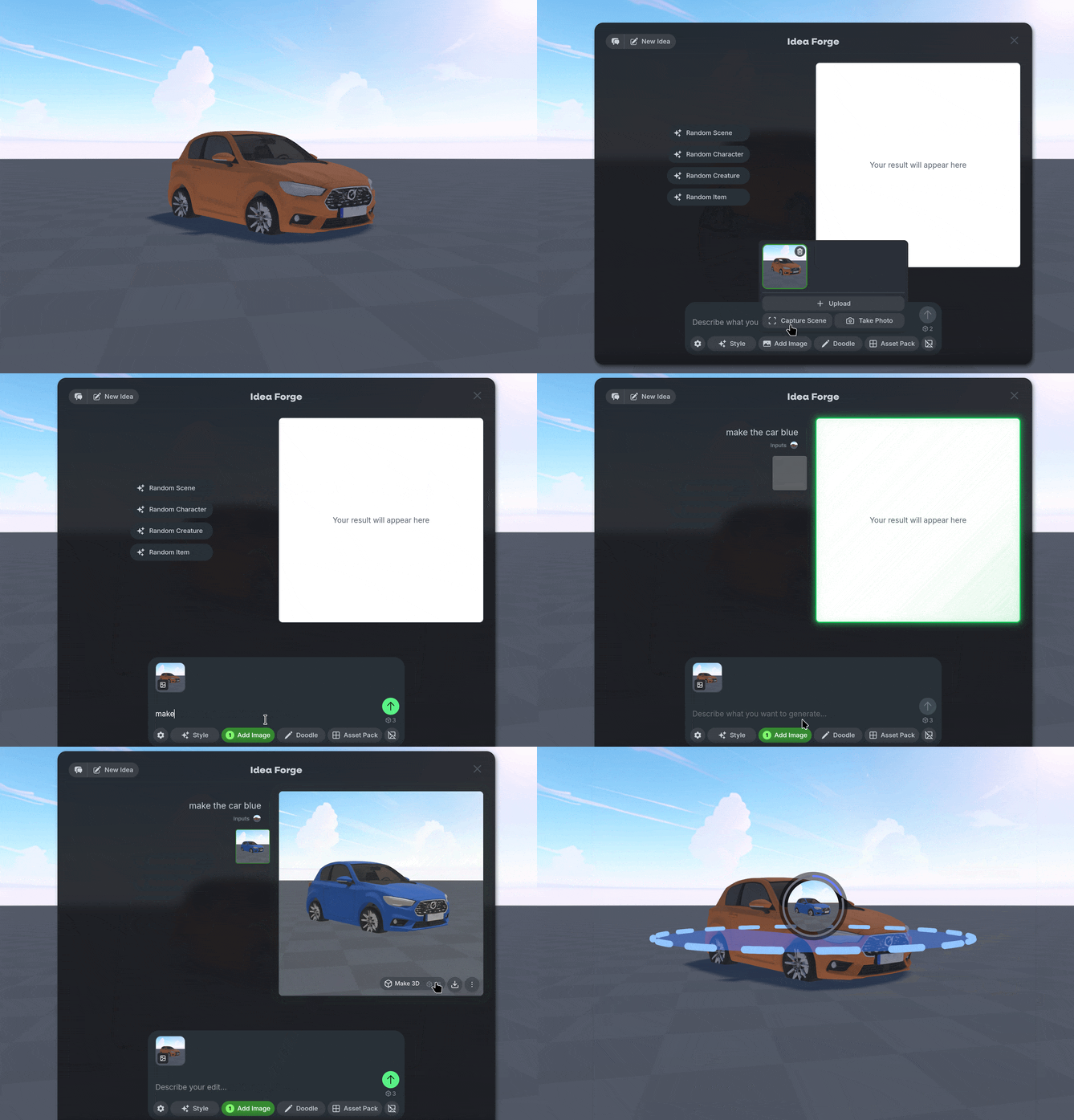
Alternatively you can select Add Image to Capture an image to edit further with Idea Forge.
Type prompts to edit the image to your desired outcome, then generate a new object.
Was this helpful?
Still need help? Ask the team