How to use the Scene Panel
Last updated 3 days ago
Select the Scene Panel icon on the left of the screen.
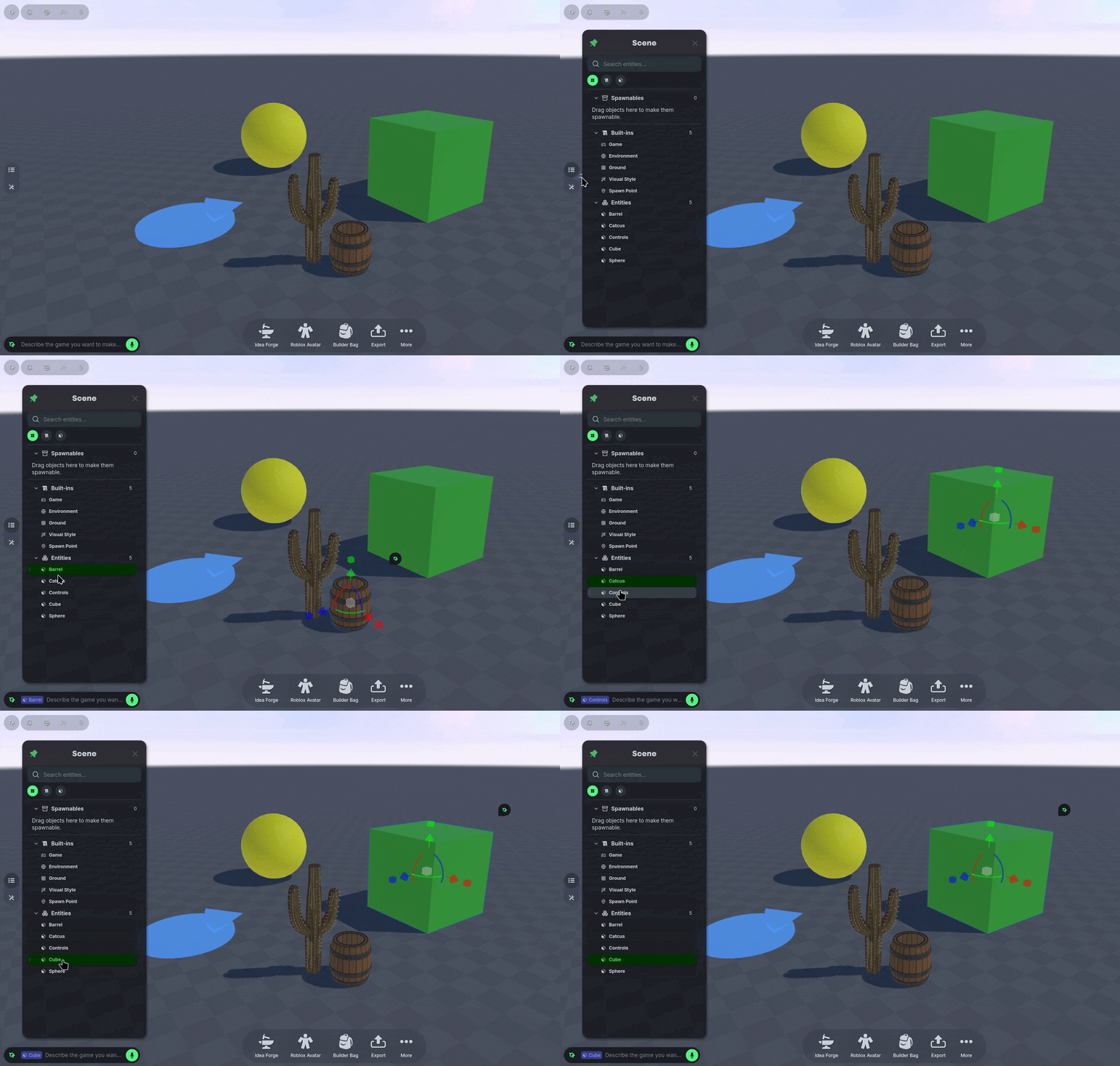
You can select objects by clicking in the hierarchy.
Right Click to see more options to Delete, Rename, or Open Code on the object.
You can "Focus" on a selected object using the F shortcut key.
Was this helpful?
Still need help? Ask the team