Using Tone Mapping
Last updated 6 months ago
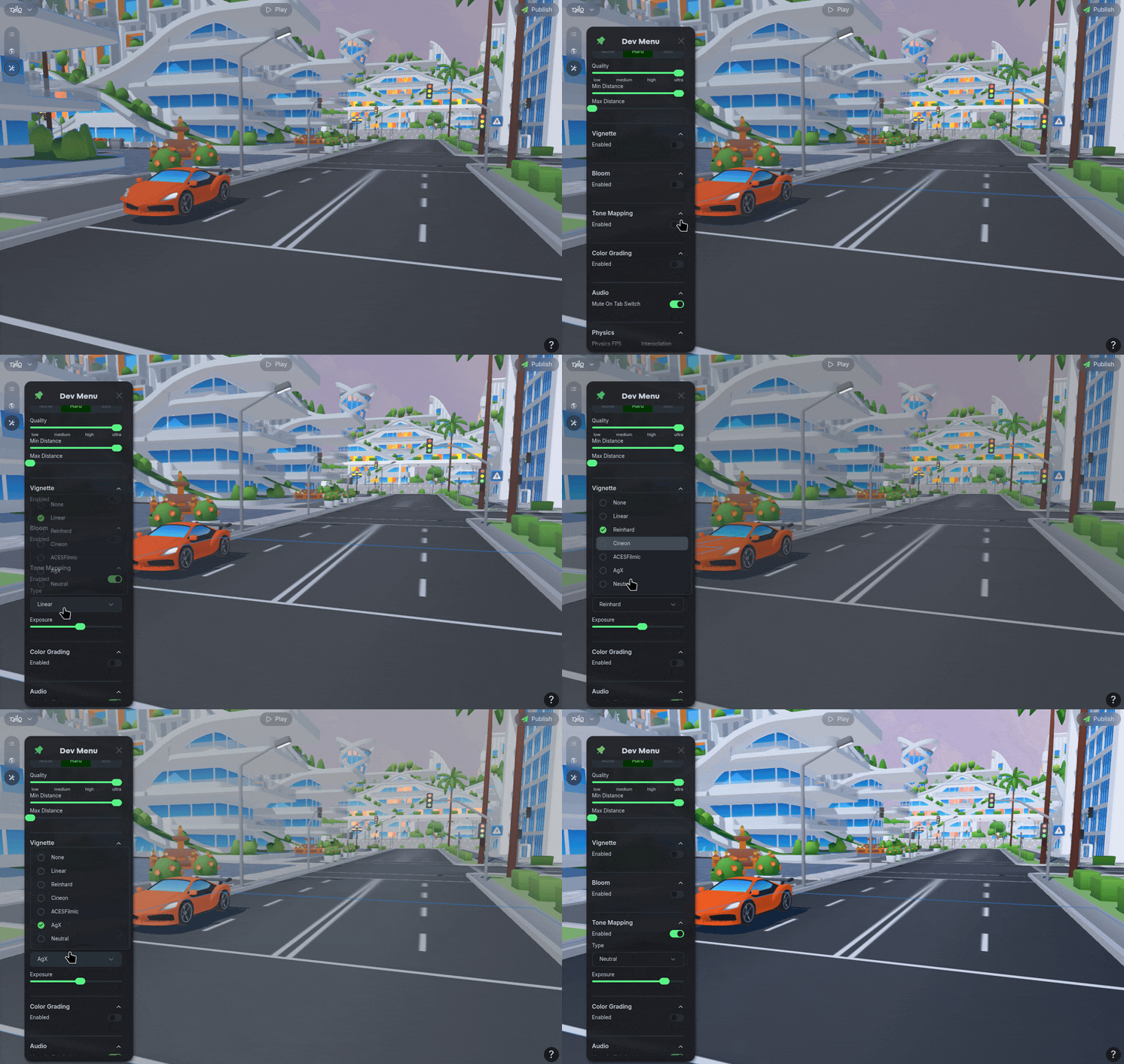
Navigate to the top left of the screen and select the ⚒️ Dev Panel icon.
Navigate to the Tone Mapping section, and toggle the Enable option. Adjust the settings to suit your world.
Tone mapping restricts the ranges of high and low levels of brightness.
We recommend to increase the exposure and test out the many options available until you find one that best fits the vibes you are trying to achieve.