Play-testing Games
Last updated 3 days ago
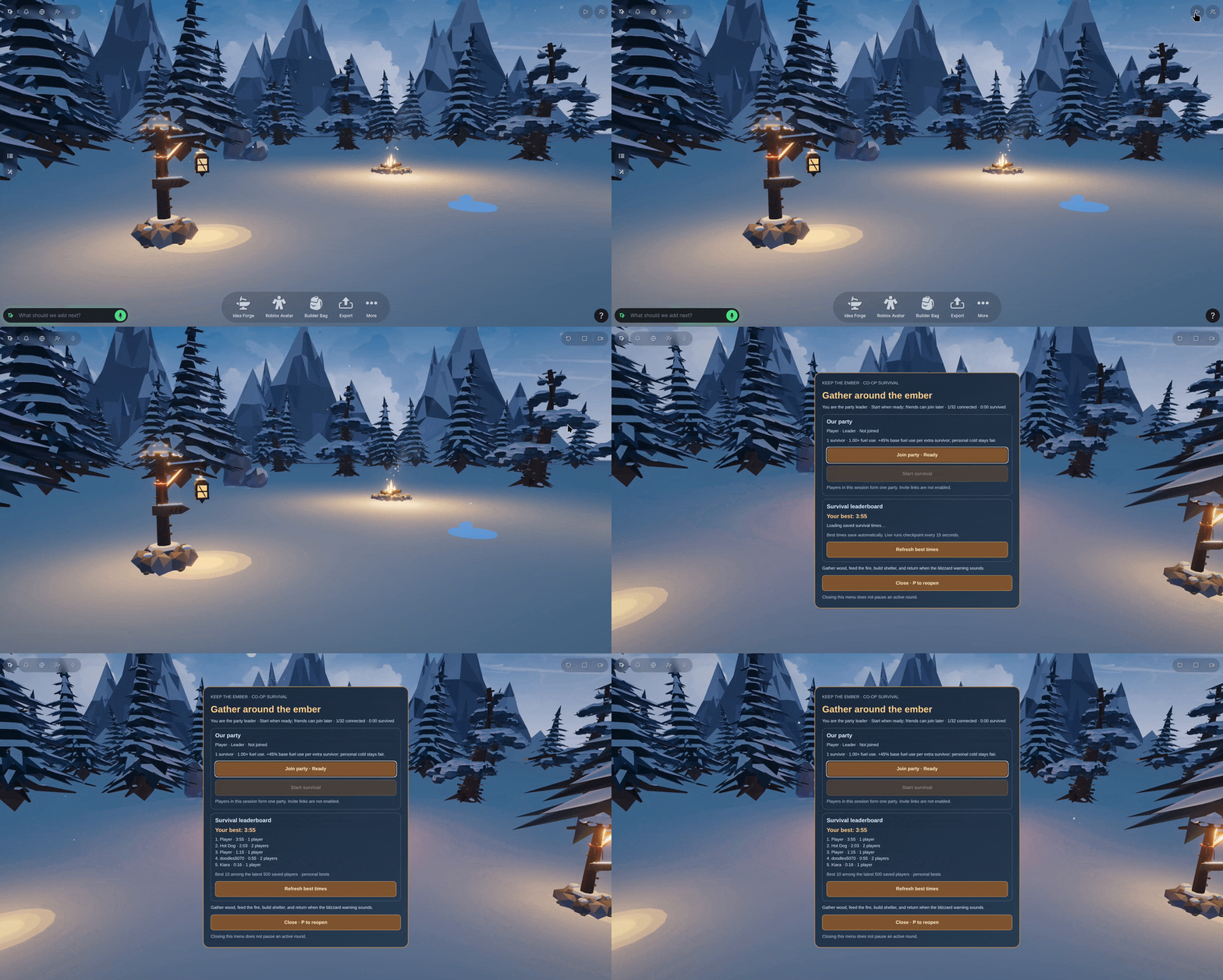
When building your Game in Nilo, most active elements such as game UI, player characters, and game mechanics will be inactive until you start a play-test.
To start a play-test, select the ▶️ Play Icon on the top right of the screen.
To stop the play-test and make further edits to your Game, select the ⏹️ Stop Icon.
If testing a multiplayer game, start a Shared Playtest with others or use multiple browser tabs to test with yourself.
Was this helpful?
Still need help? Ask the team