Shadow Settings
Last updated 6 months ago
Navigate to the top left of the screen and select the ⚒️ Dev Panel icon.
Navigate to the Shadows section, adjust the settings to suit your world.
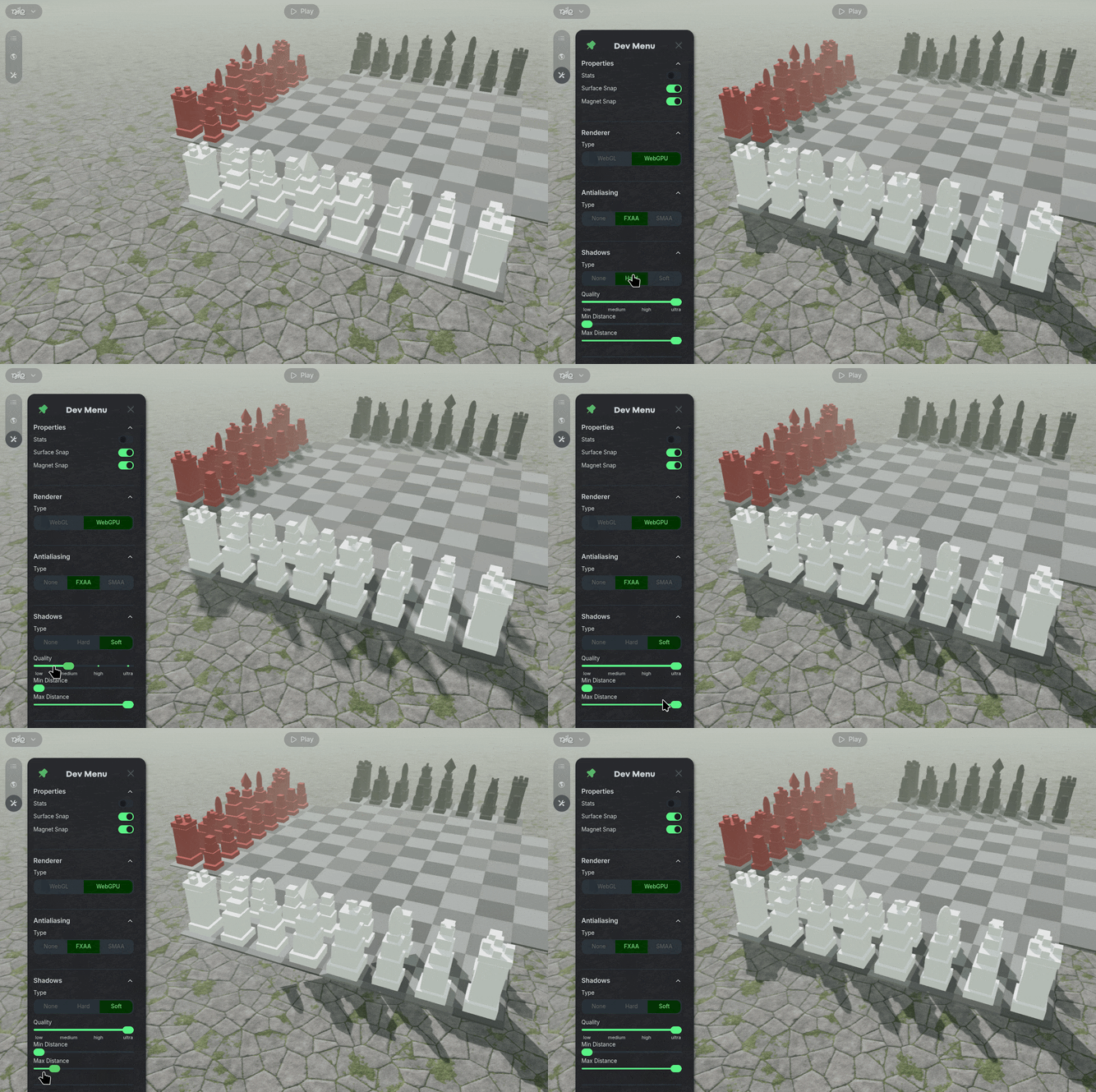
Shadow Type adjusts the hardness or softness of a shadow on an object.
Quality adjusts the level of detail used for the shadows.
Min & Max Distance adjusts the maximum distance shadows will be created based on the distance to the object.