Importing to Roblox
Last updated 6 months ago
After exporting a model from Nilo, open Roblox Studio
Select the Import icon, ⚠️ ensure your model does not exceed 10,000 polygon count.
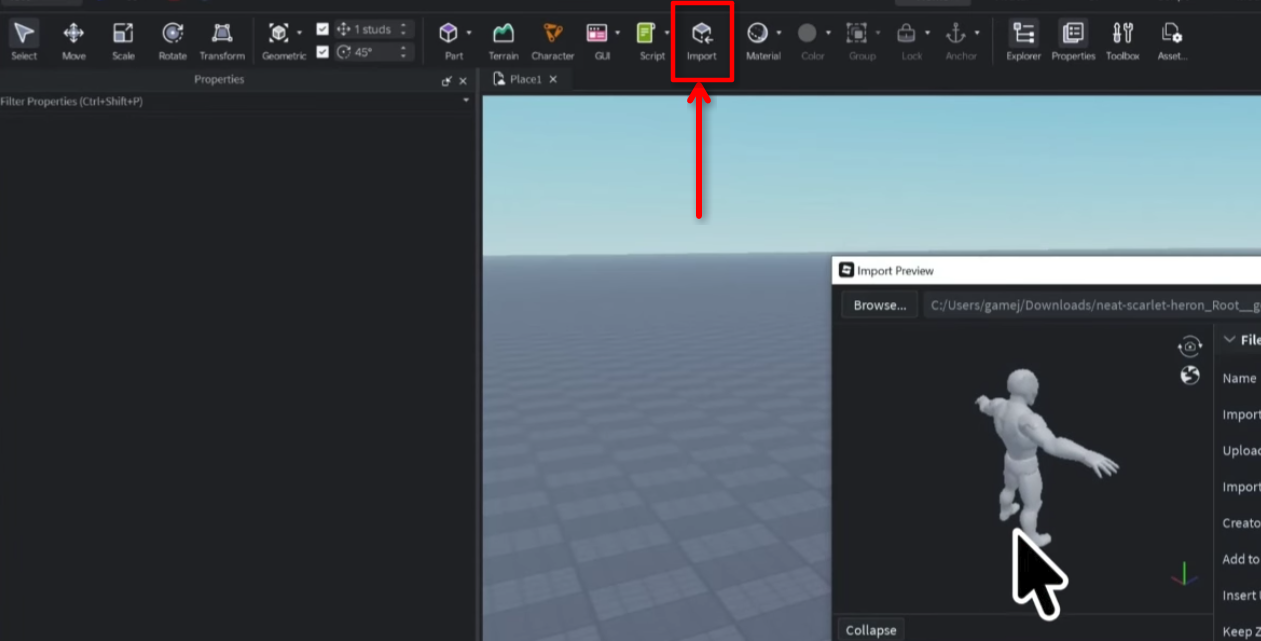
Adjust the settings if needed in the Import Preview, though typically the default settings work well, then select OK.
Drag the file from your computer directly into Roblox Studio to quickly see the import preview window.