UI / HUD
Last updated 3 days ago
UI and the HUD can be edited using the UI / HUD option in the toolbar.
Select More, then the UI / HUD Option on the toolbar at the bottom of the screen.
The UI and HUD editor will appear. You can edit existing UI or create new UI elements using the various options or asking Nilo AI to assist with editing specific elements.
HUD
HUD
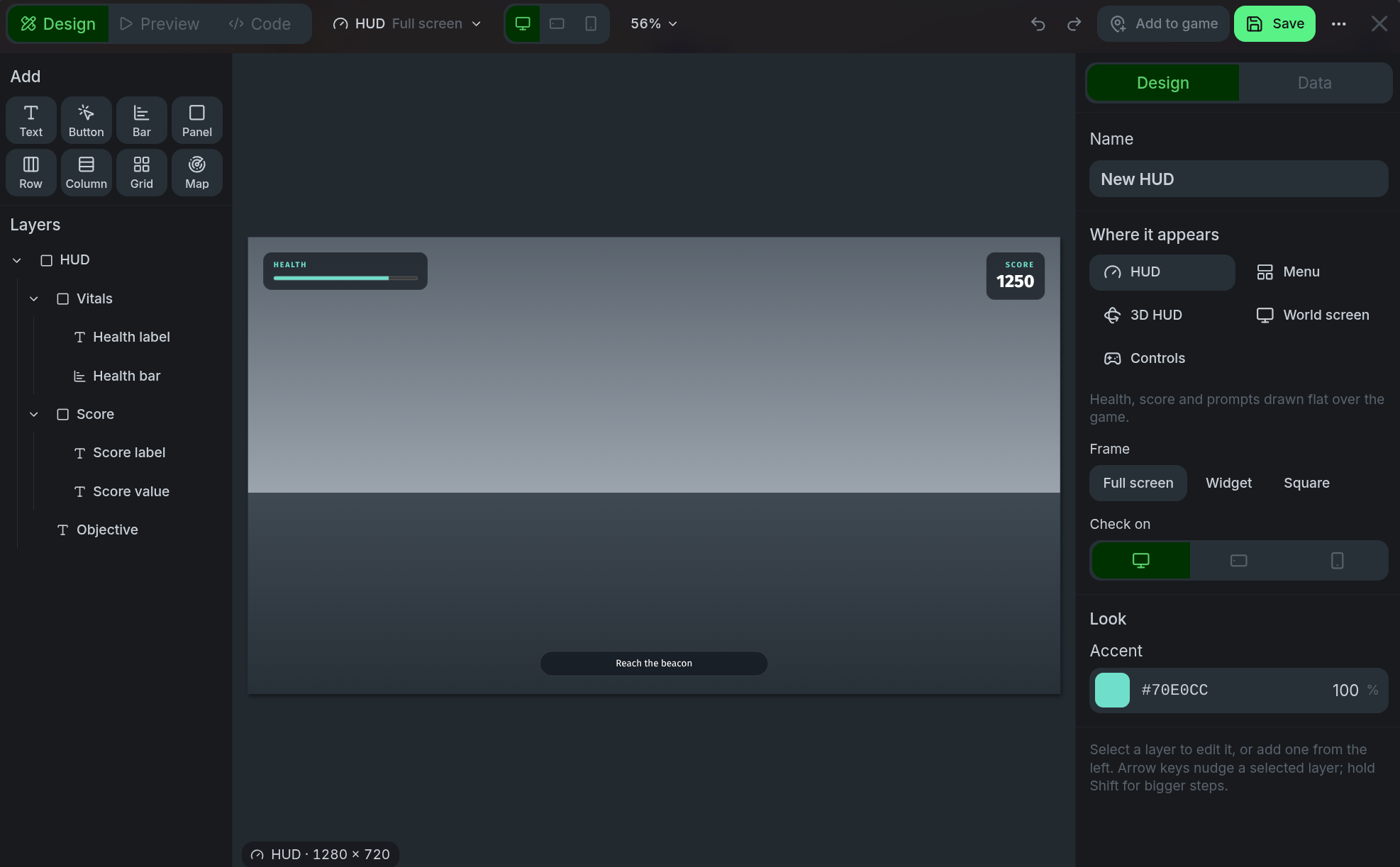
The HUD is overlayed on top of the Game you have created. This is typically used to display information to your players such as health, score, or notifications like objectives.
Menu
Menu
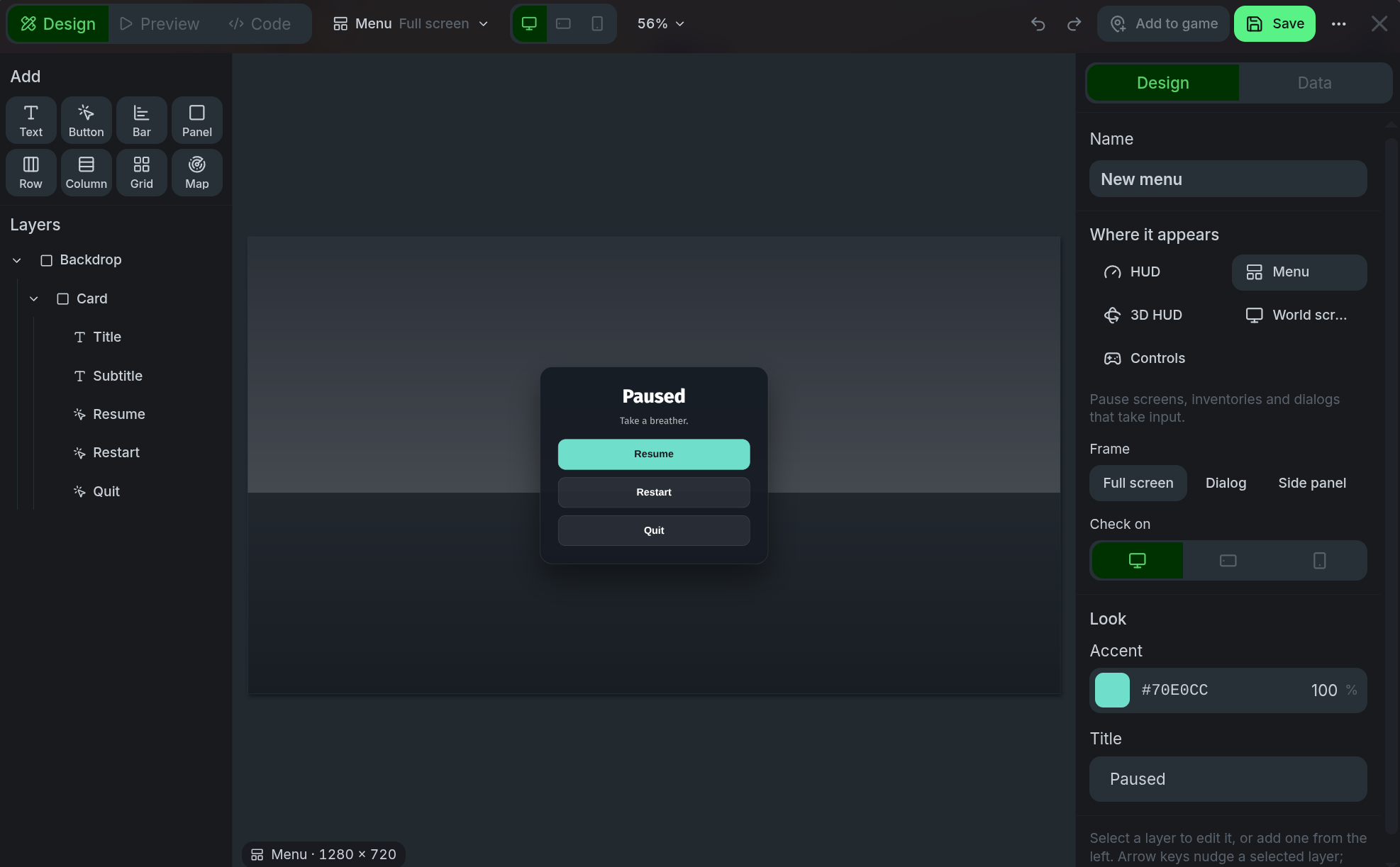
Menus are UI that is typically used for pause screens, inventories and dialogs that take input.
3D HUD
3D HUD
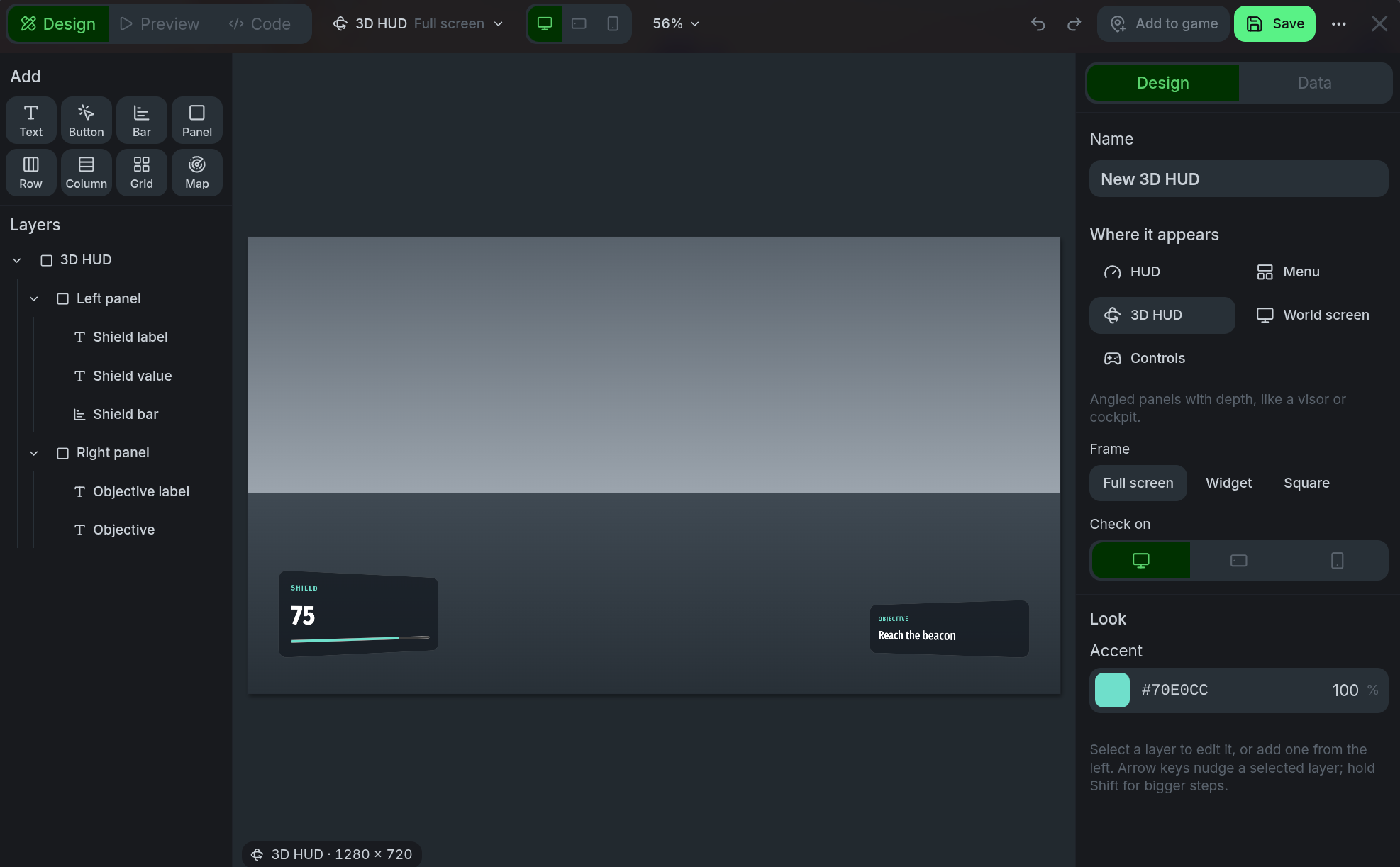
The 3D HUD is overlayed on top of the Game you have created at an angle. This is typically used for displaying information in a stylized way for things like a visor or cockpit.
World Screen
World Screen
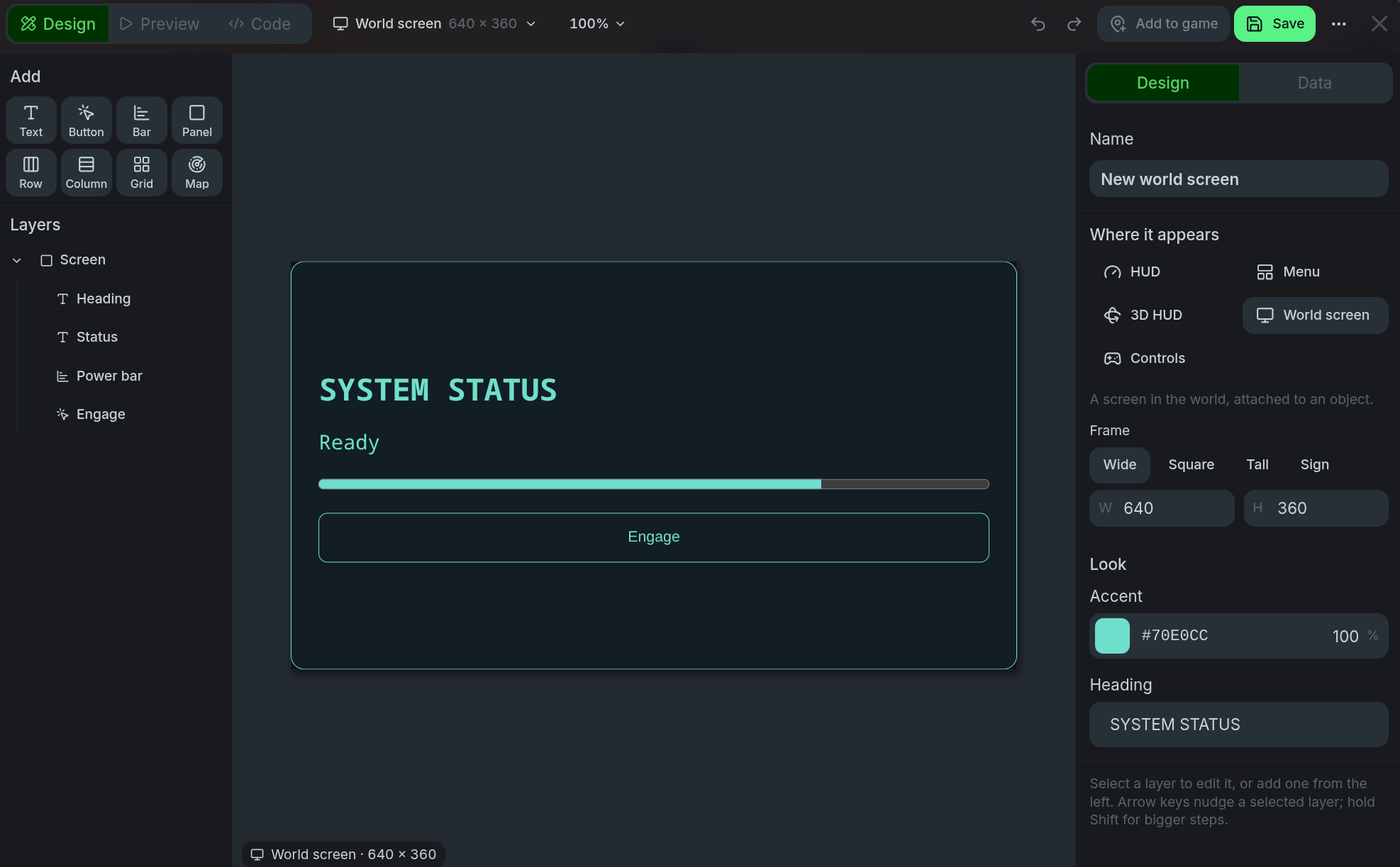
The World Screen is UI that is attached to an Object inside of the Game. This is typically used for displaying information inside a particular setting, like a leaderboard or quest menu.
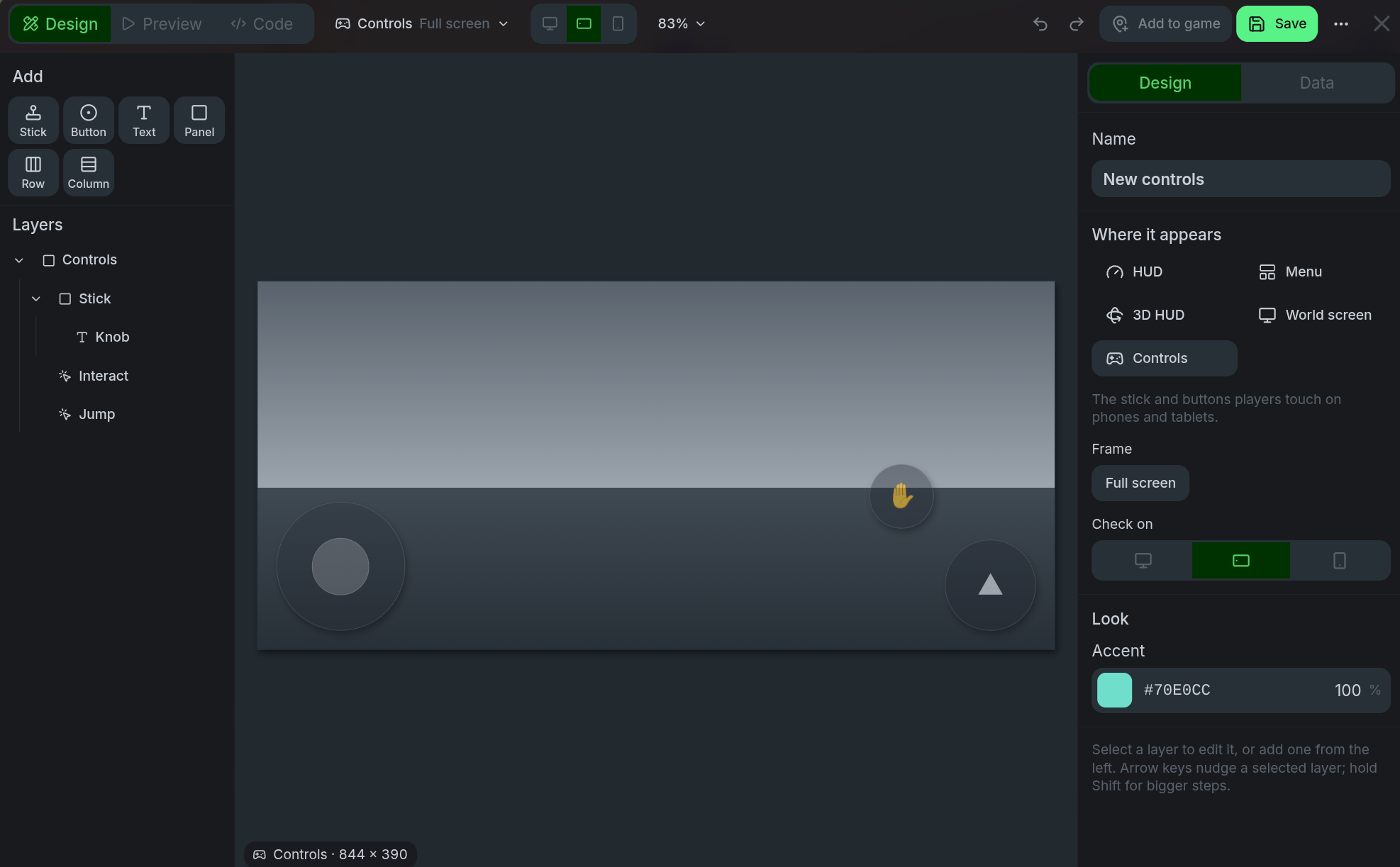
Controls
Controls
Control UI is functional stick and buttons that can be touched on phones or tablets.
Was this helpful?
Still need help? Ask the team