Physics Collider Types
Last updated 6 months ago
Select an object, then select the < Icon on the right side of the screen to expand the Inspector Panel.
Navigate to the Physics section and select the Shape Type to change the Physics collider on an object.
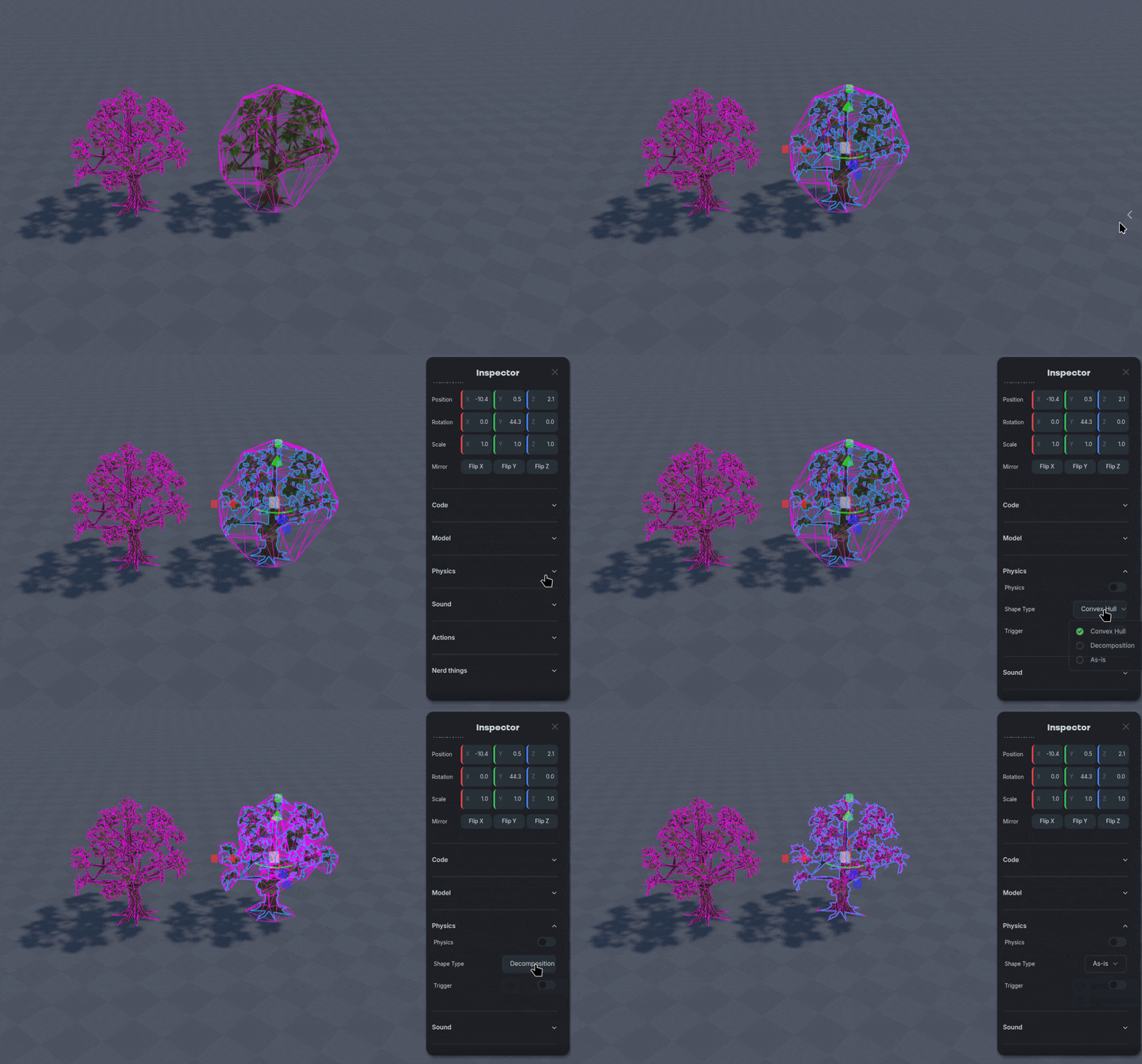
Use Alt-C to toggle seeing colliders on objects.
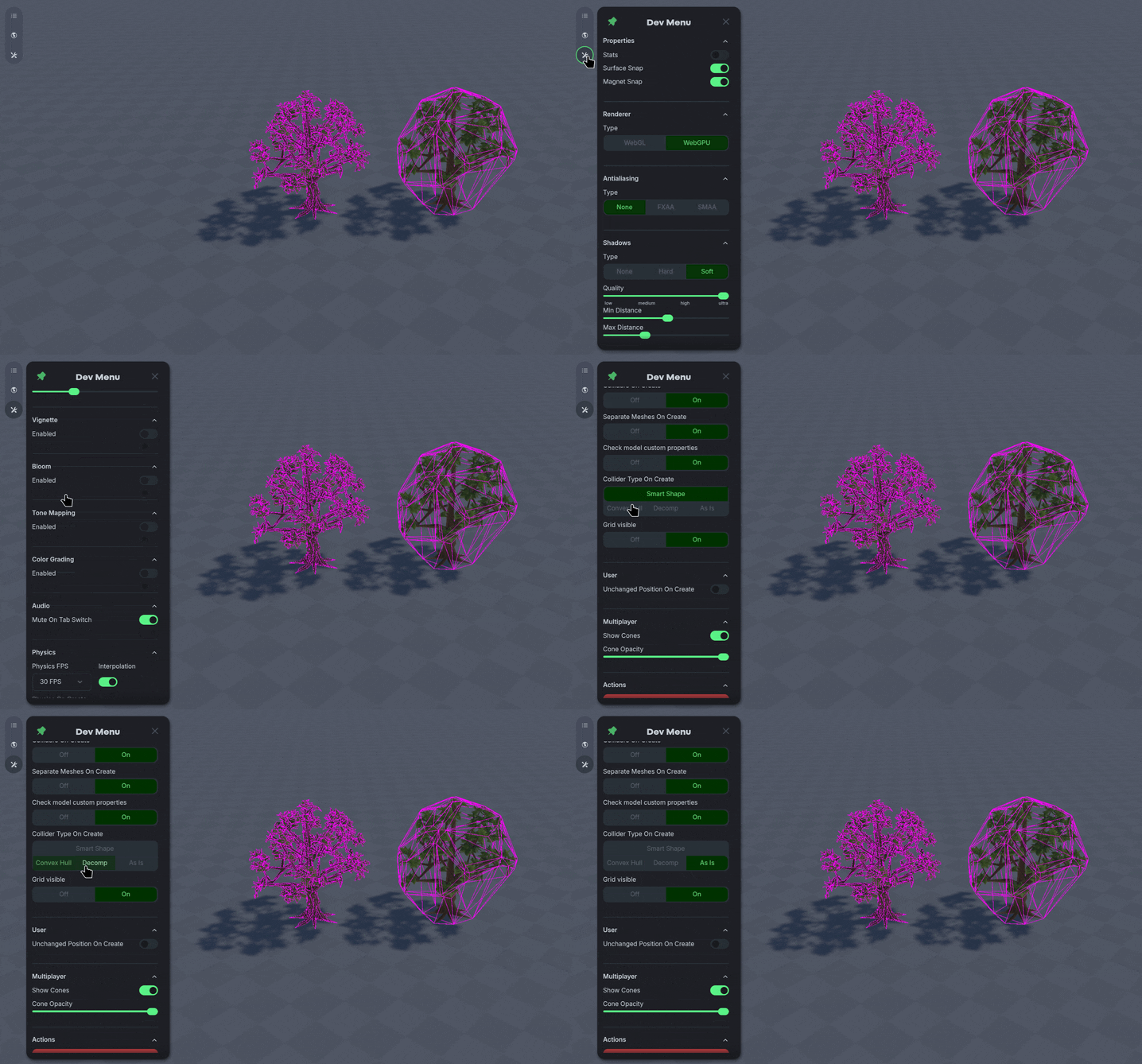
Toggling the Physics Collider Type option in the ⚒️ Dev Panel will make all future objects created have the selected collider type.